Recipe Box
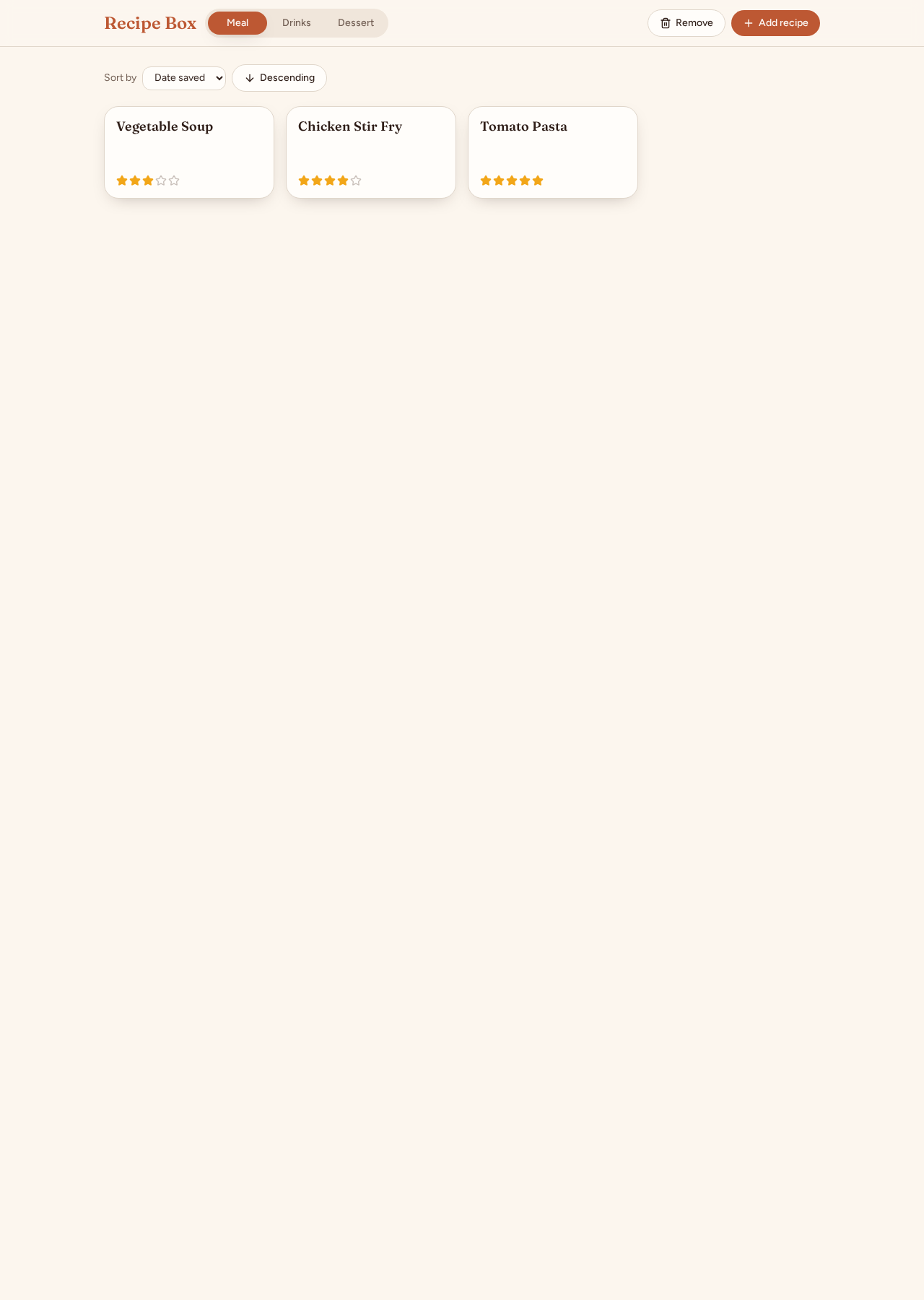
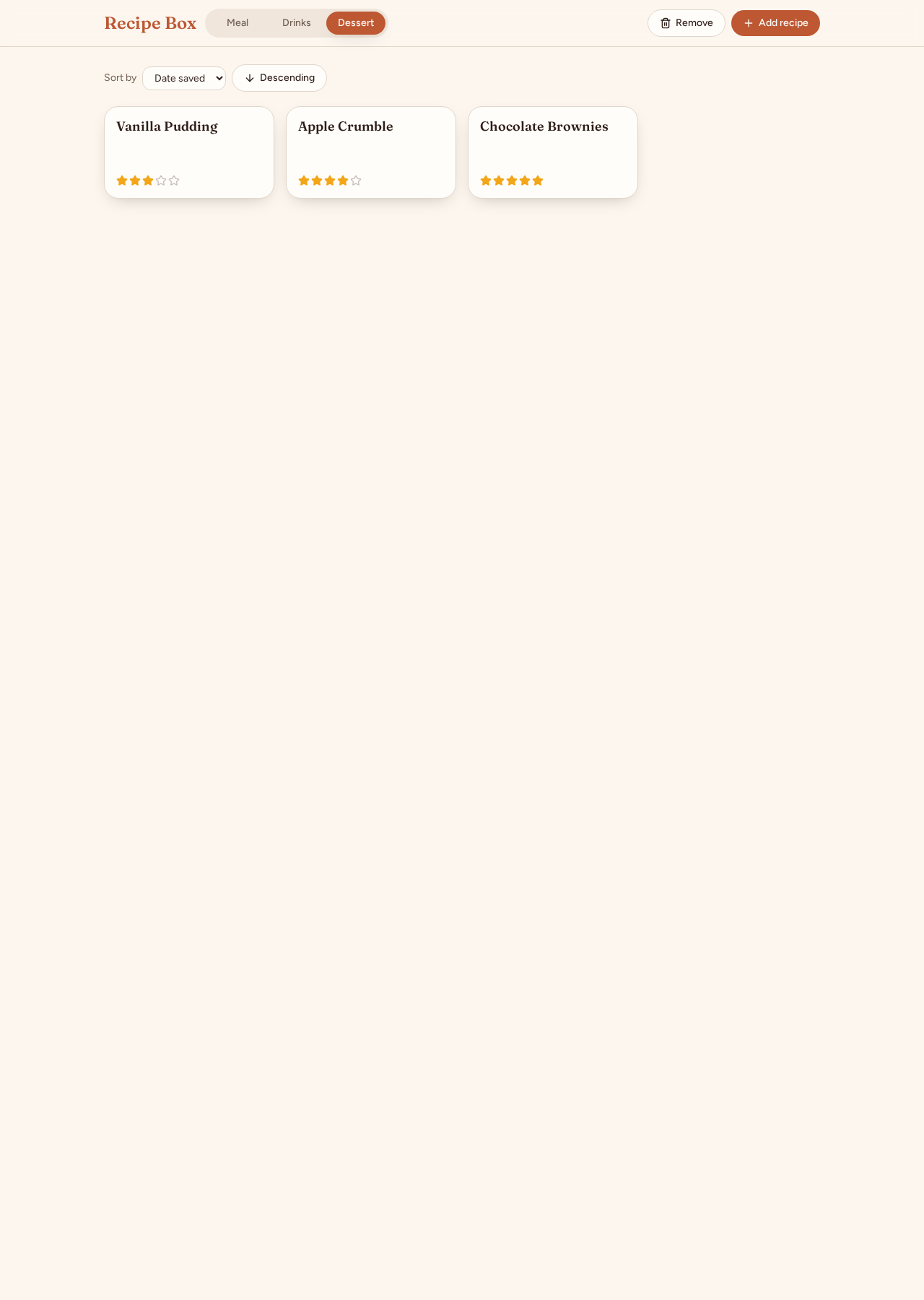
A shared recipe box for meals, drinks and desserts, with one-click star ratings, editable ingredients and steps, category filters and recipe sorting.
What made it work
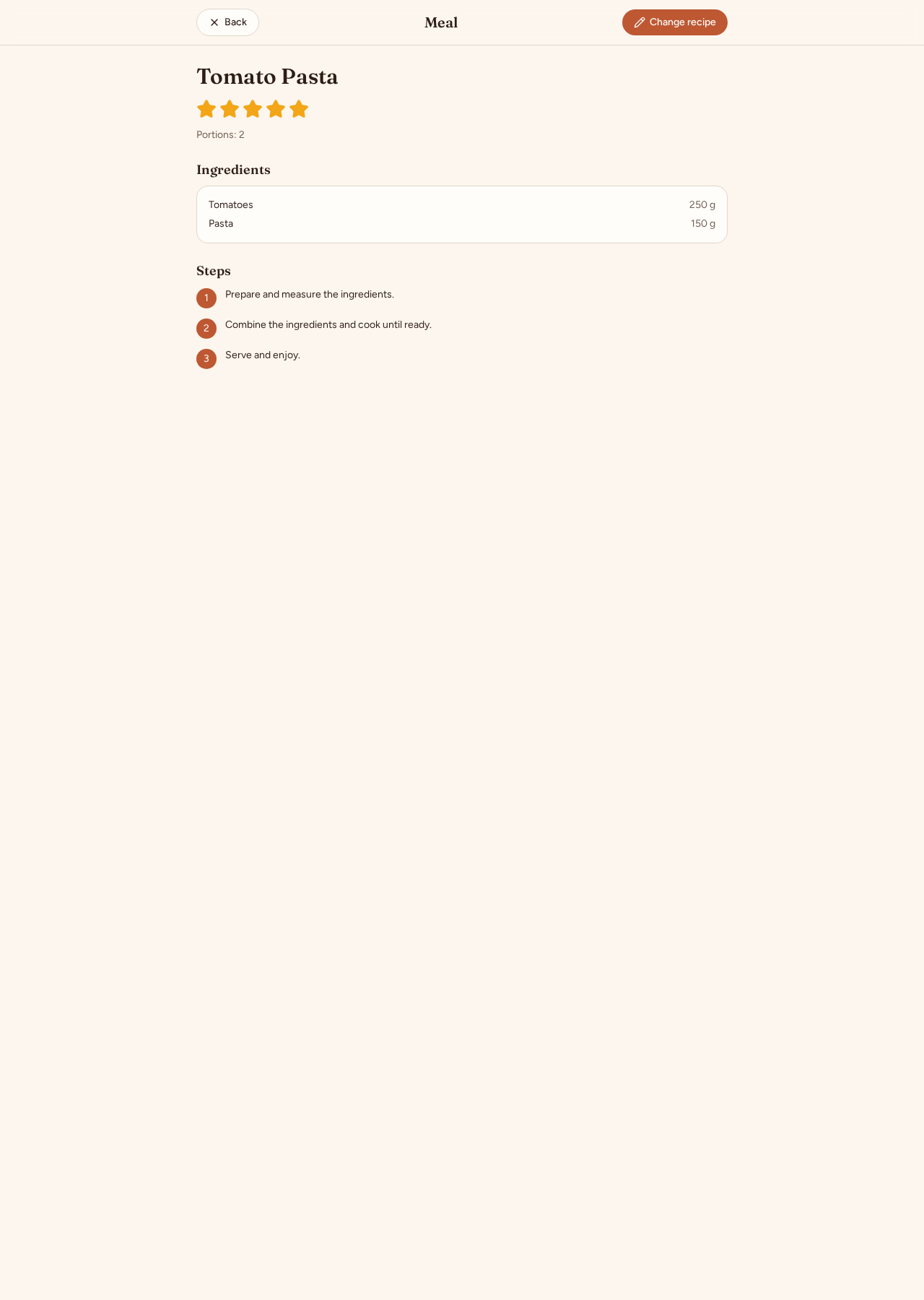
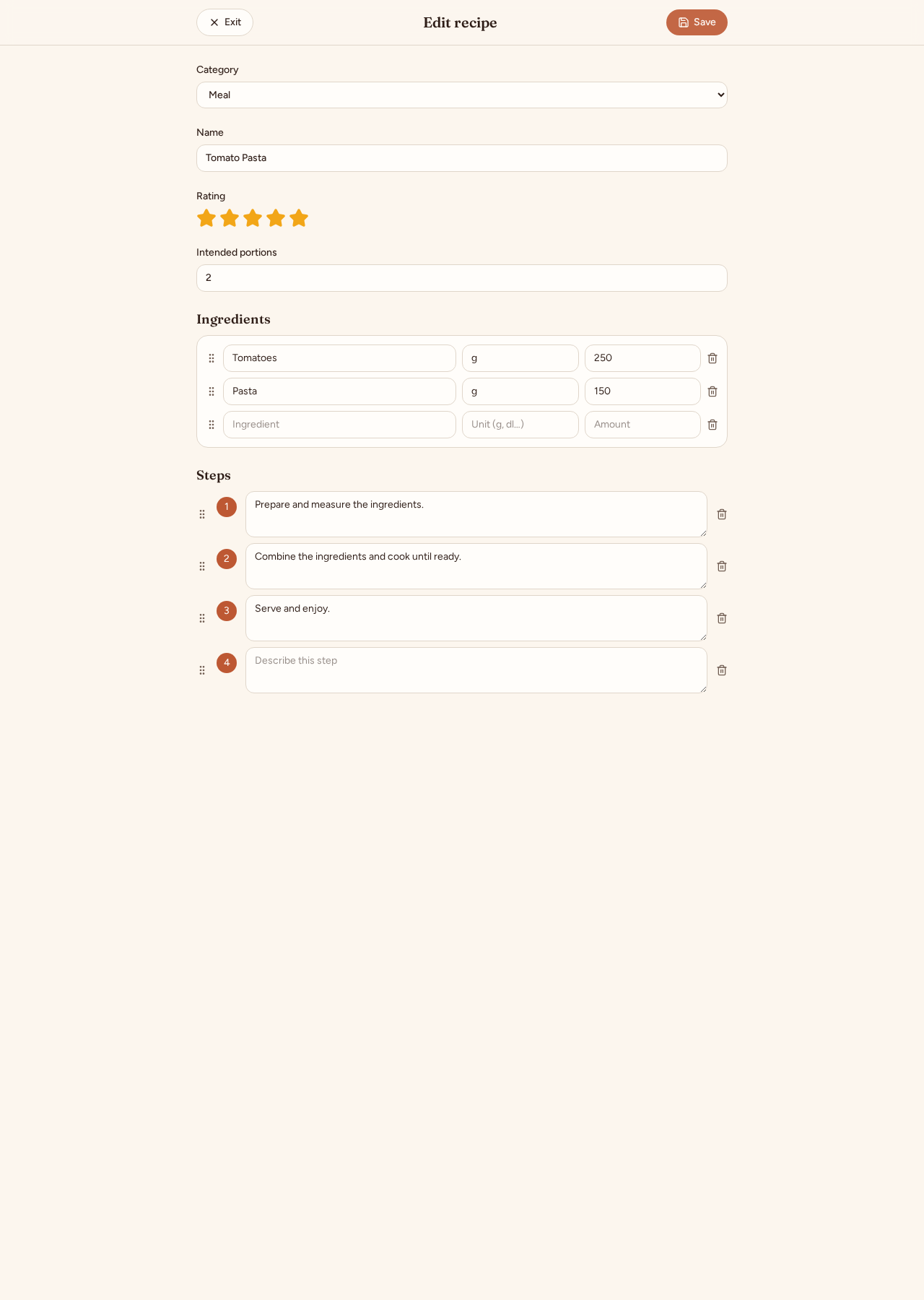
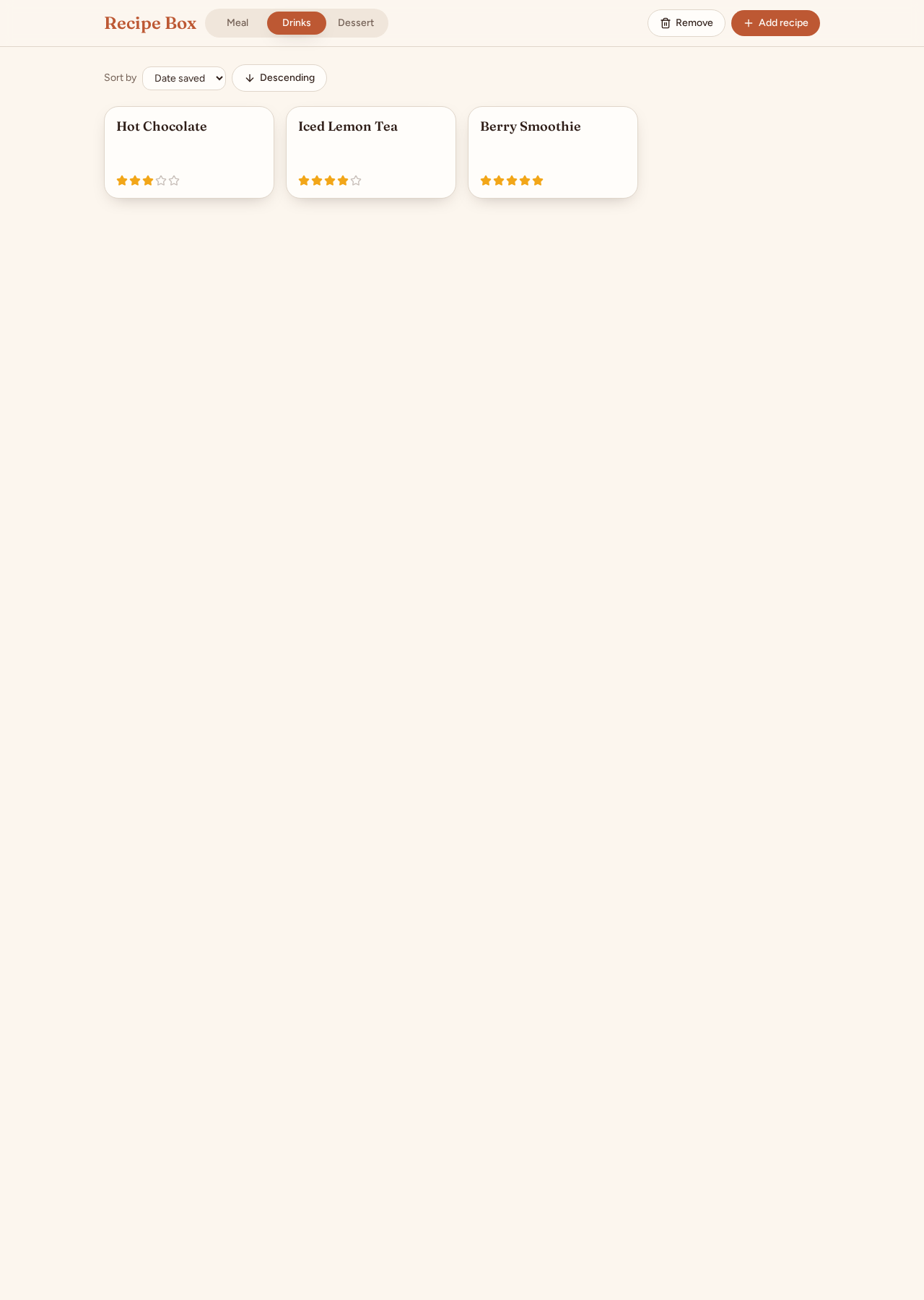
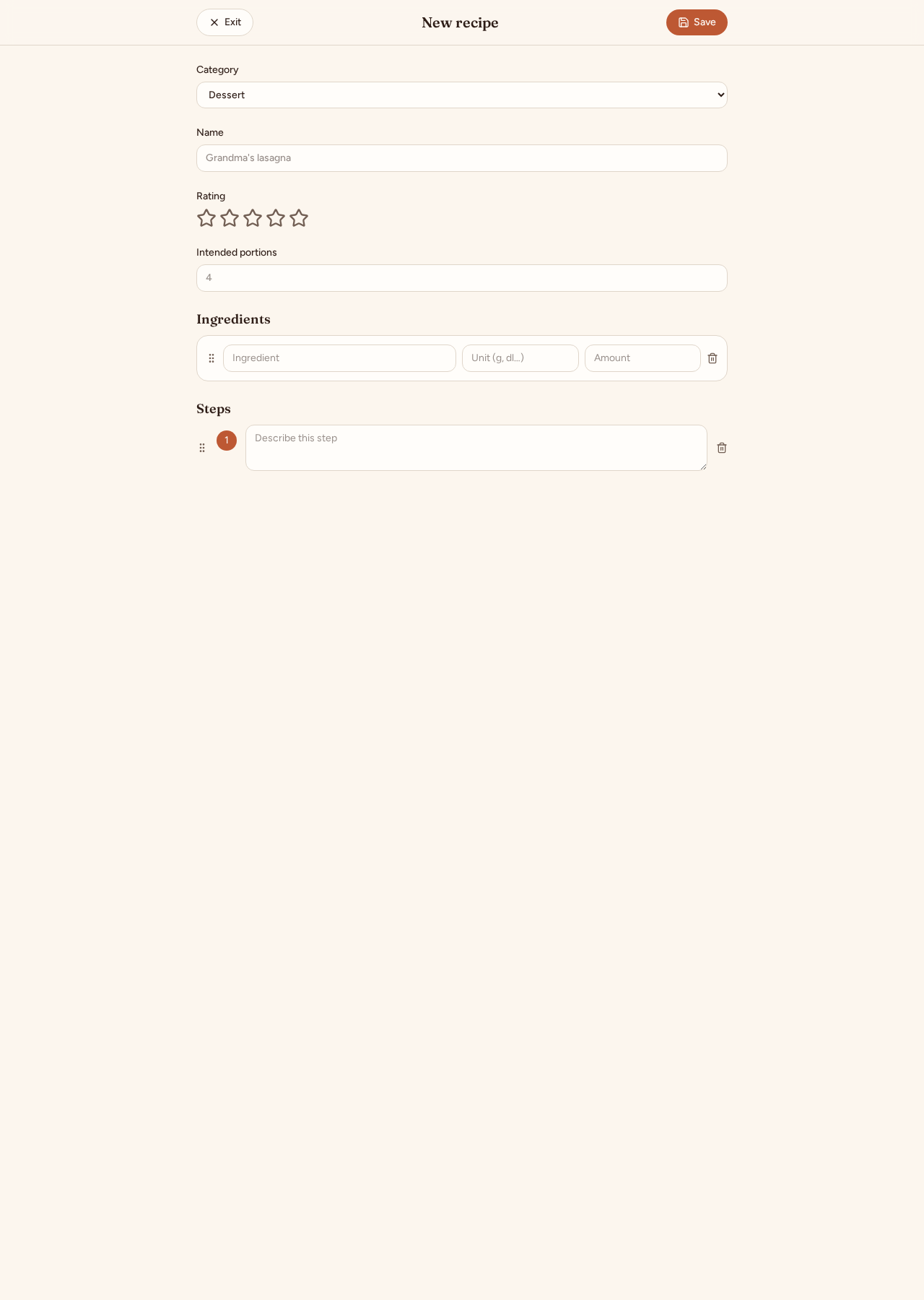
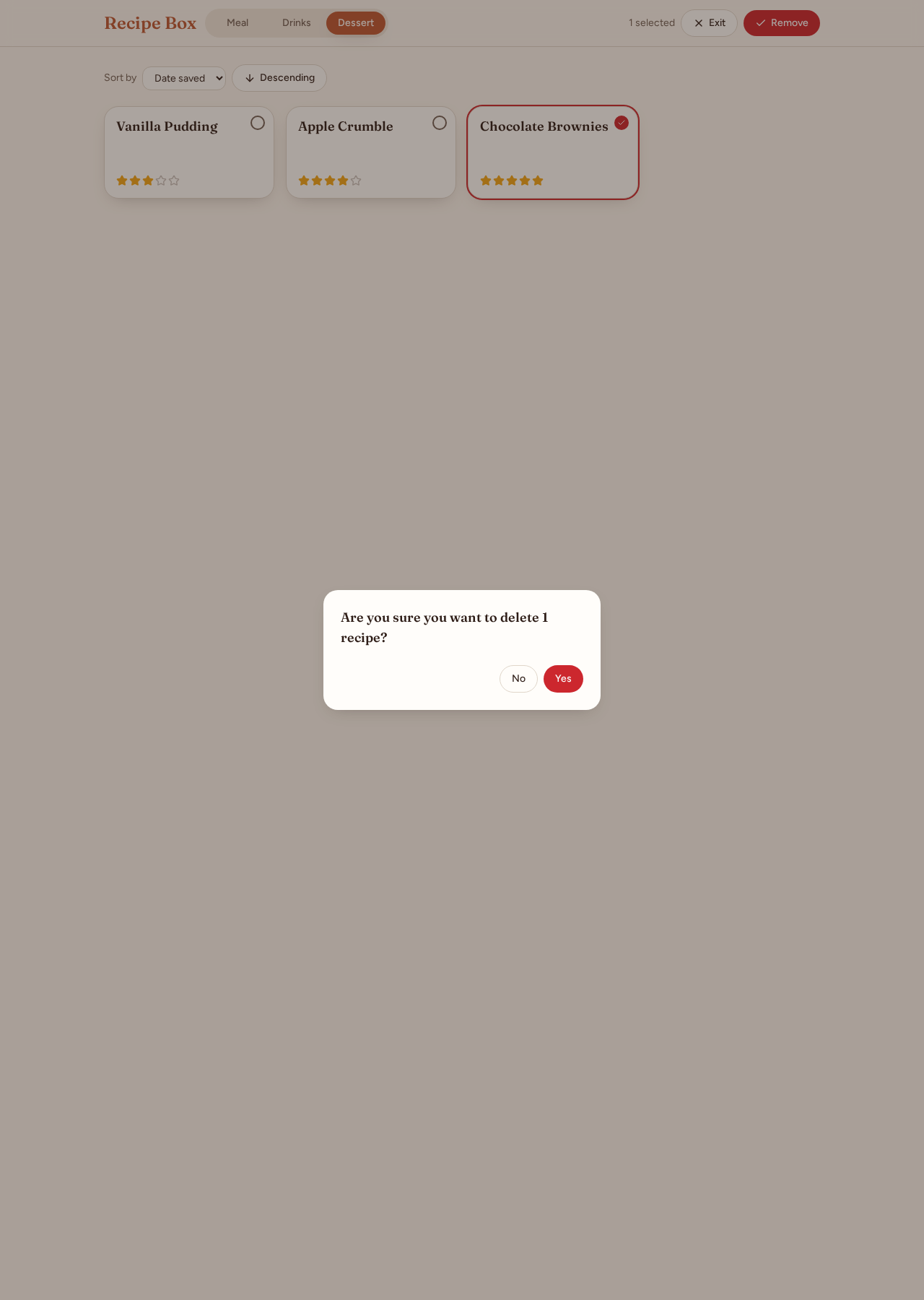
Category filtering, detailed recipe views, prefilled editing, one-click ratings, confirmation dialogs and shared cloud recipe persistence.
The screens
Build your own version
Yours goes up next to @seqahh’s as a vibe off, and @seqahh is told. Credit for the idea stays with them.
How it was madeThe prompt, tools, what’s left to make it real.
What’s left to make it real
Next: add recipe export and recovery for accidental deletions. The box deliberately has no sign-in, so anyone with the link can change or delete recipes.
- Made with
- Lovable, React, TypeScript, TanStack Start, Tailwind CSS, Lovable Cloud
- How
- Built with Lovable using React, TypeScript, TanStack Start and Tailwind CSS. Iterative prompts added recipe details, editing, drag-to-reorder and Lovable Cloud syncing without accounts. These captures use an isolated example-only copy; no shared recipes were changed.
- The prompt
- Create a recipe app. Categorize recipes as meal, drinks or dessert with a sliding category control. Add recipes with a name, five-star rating, portions, ingredients with measurements and amounts, and numbered steps. Automatically add lines when filled and omit empty lines on save. Show recipe names and ratings in a grid, sortable by date saved or rating in either direction. Add selection-based deletion with a yes/no confirmation. Clicking a recipe shows all its details, with one-click rating changes and a prefilled Change recipe editor. Support removing and dragging ingredient and step lines, and confirm before discarding edits. Save recipes so they sync across devices without sign-in in one shared recipe box.In Lovable, React, TypeScript, TanStack Start, Tailwind CSS, Lovable Cloud
- Hard parts
- Making ingredient and step reordering work reliably with pointer events, and carrying existing browser-only recipes into the shared recipe box without repeated migration.
Building on it rather than answering it? Post a remix and it links back here.
Share it
More builds
Post a buildI built a floral weekly planner that doubles as a desktop wallpaper
@ajofClaude1 commentMyCaddie — a simple golf club picker that adjusts for wind
@fredrikht3011ChatGpt 5.51 commentI built a study app that quizzes me on my own notes
@tobias_gpClaude1 commentI pivoted my restaurant review web app to Android after an hour, and it ran on my phone 30 minutes later
@stewiikltGoogle Antigravity1 commentWe built Circles, a social app where every hobby gets its own look
@bmoobjectClaude1 commentI built FlowSync, a local-first productivity app where my AI assistant proposes changes instead of making them
@covertClaude Code1 comment
Comments
Nothing yet. Ask @seqahh how they got it to work, or say what you liked.
Sign in to comment — you come straight back here.