I built a study app that quizzes me on my own notes
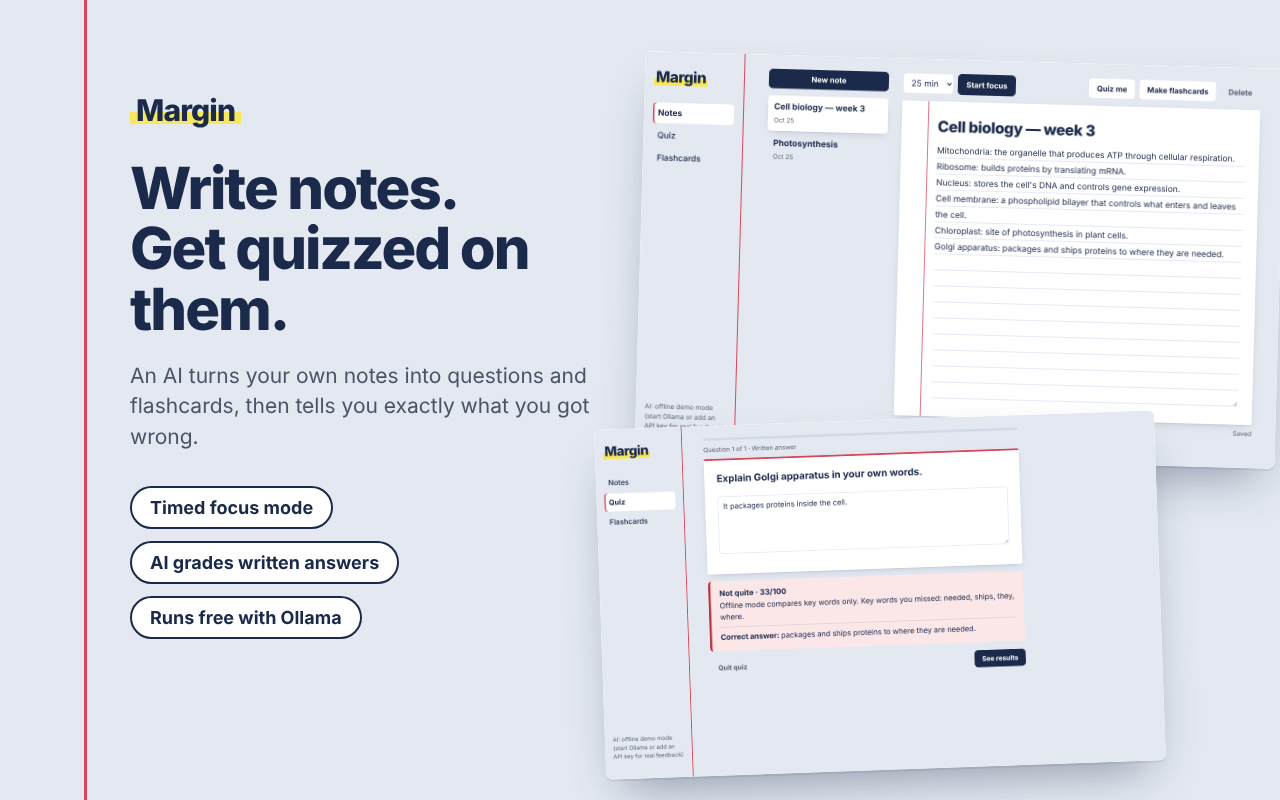
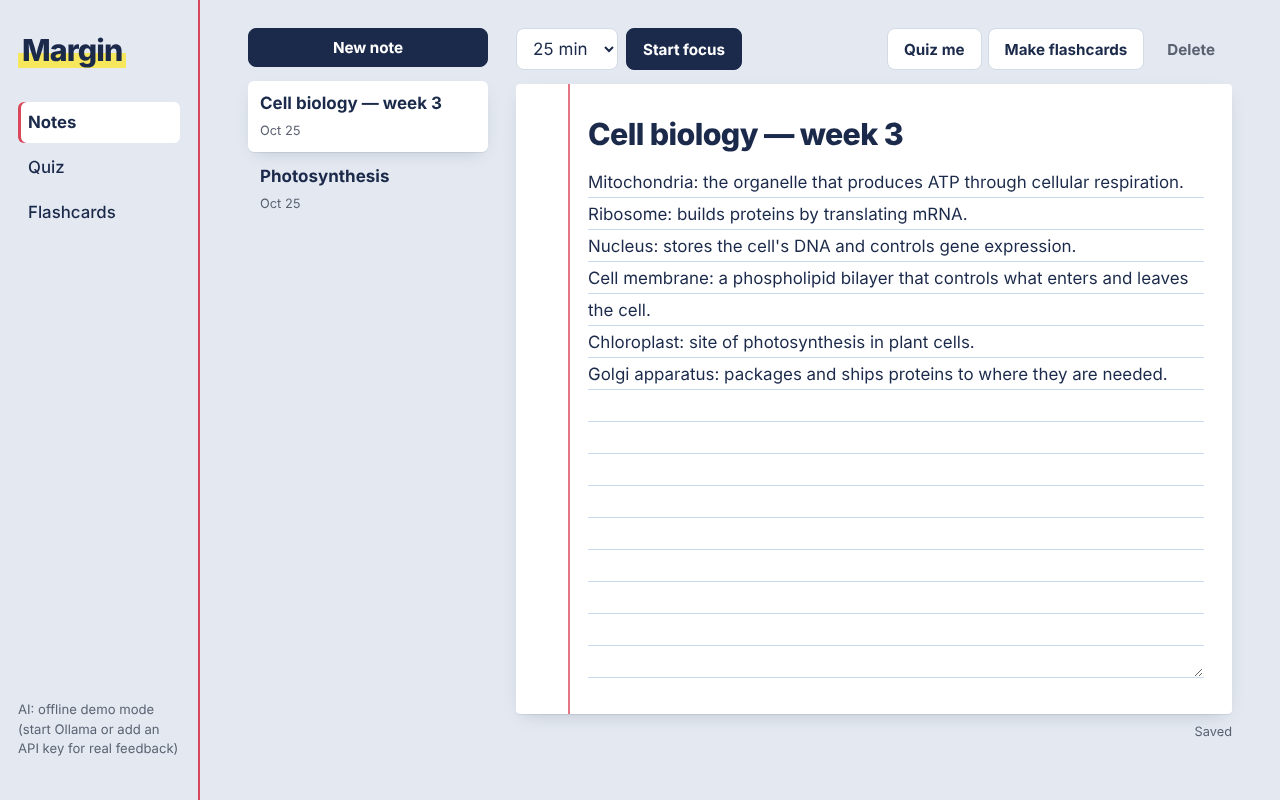
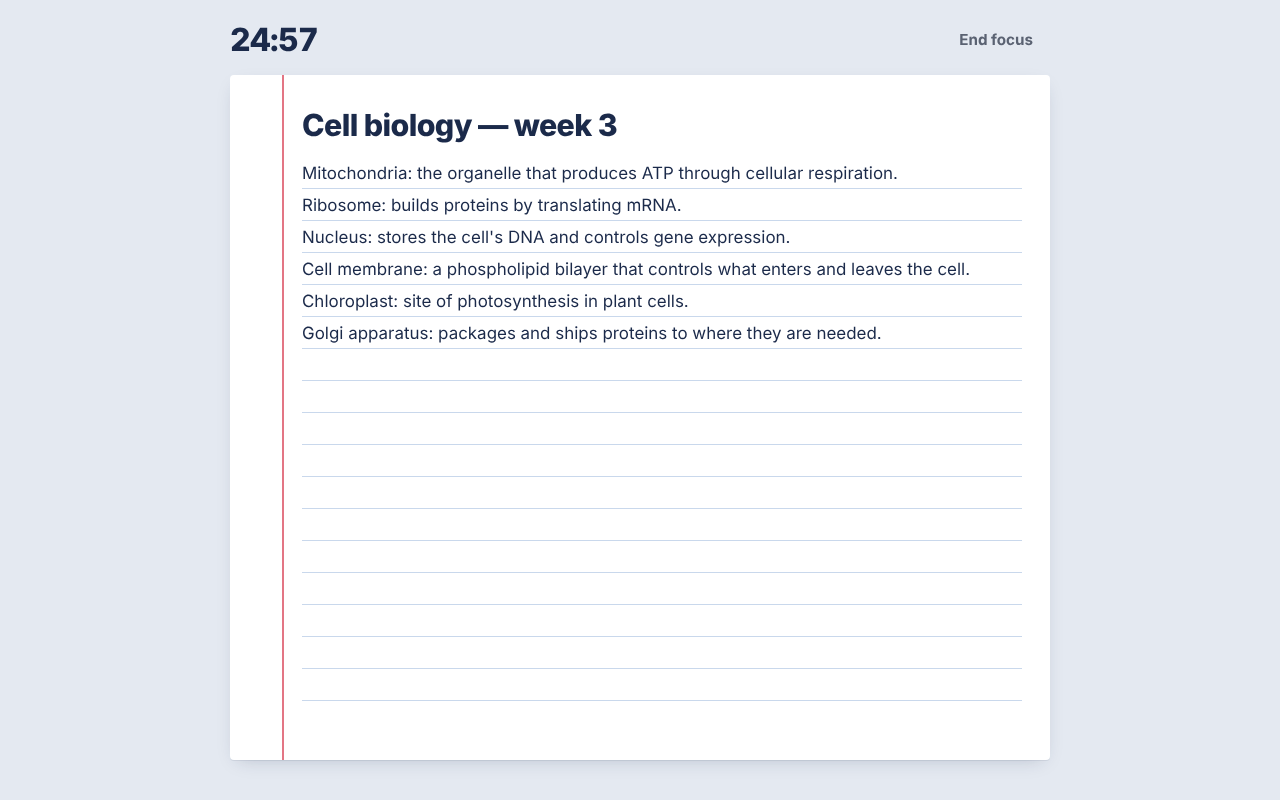
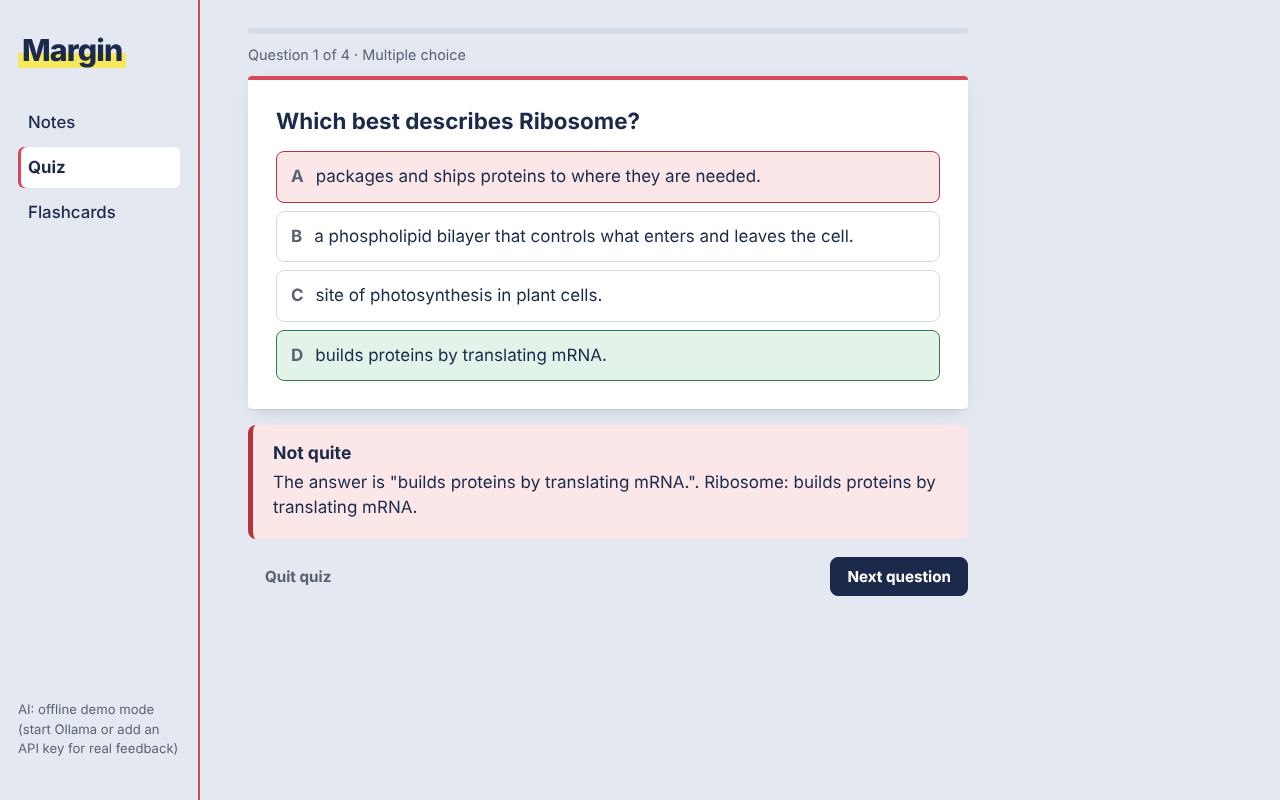
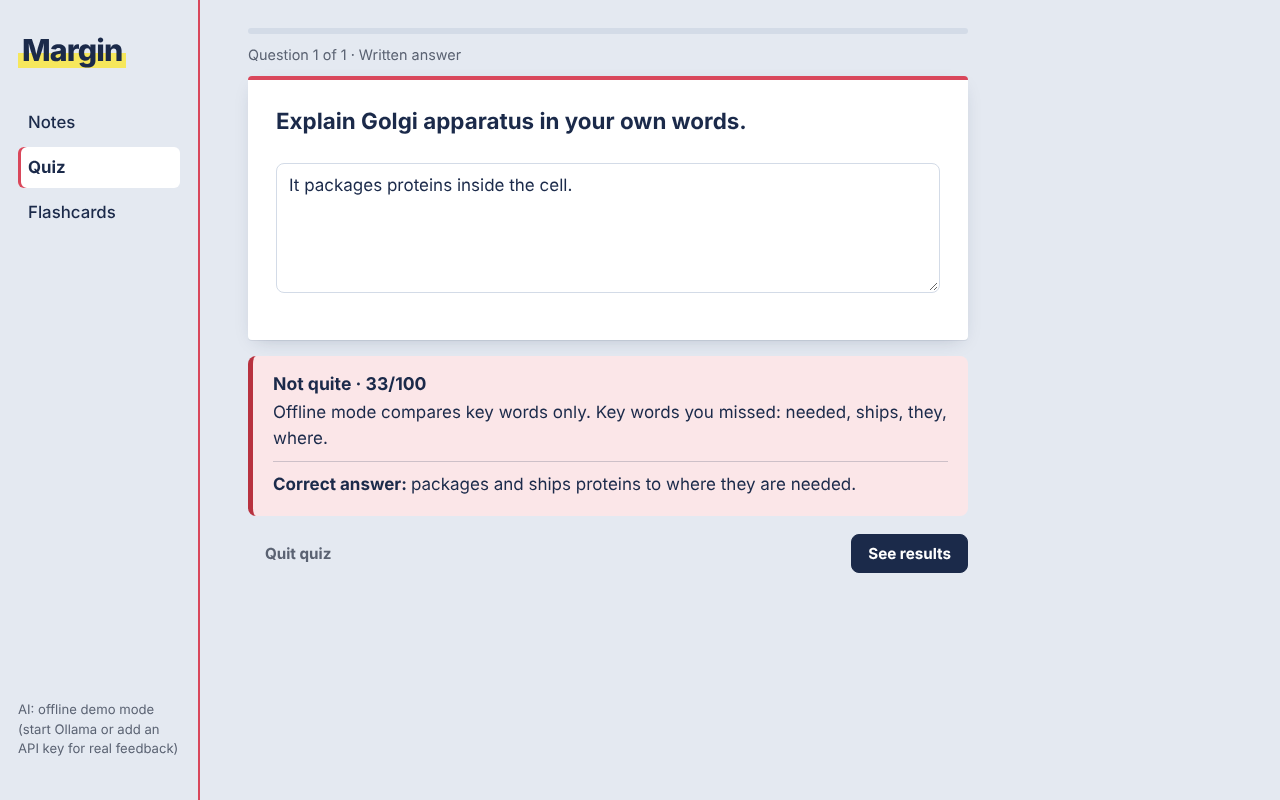
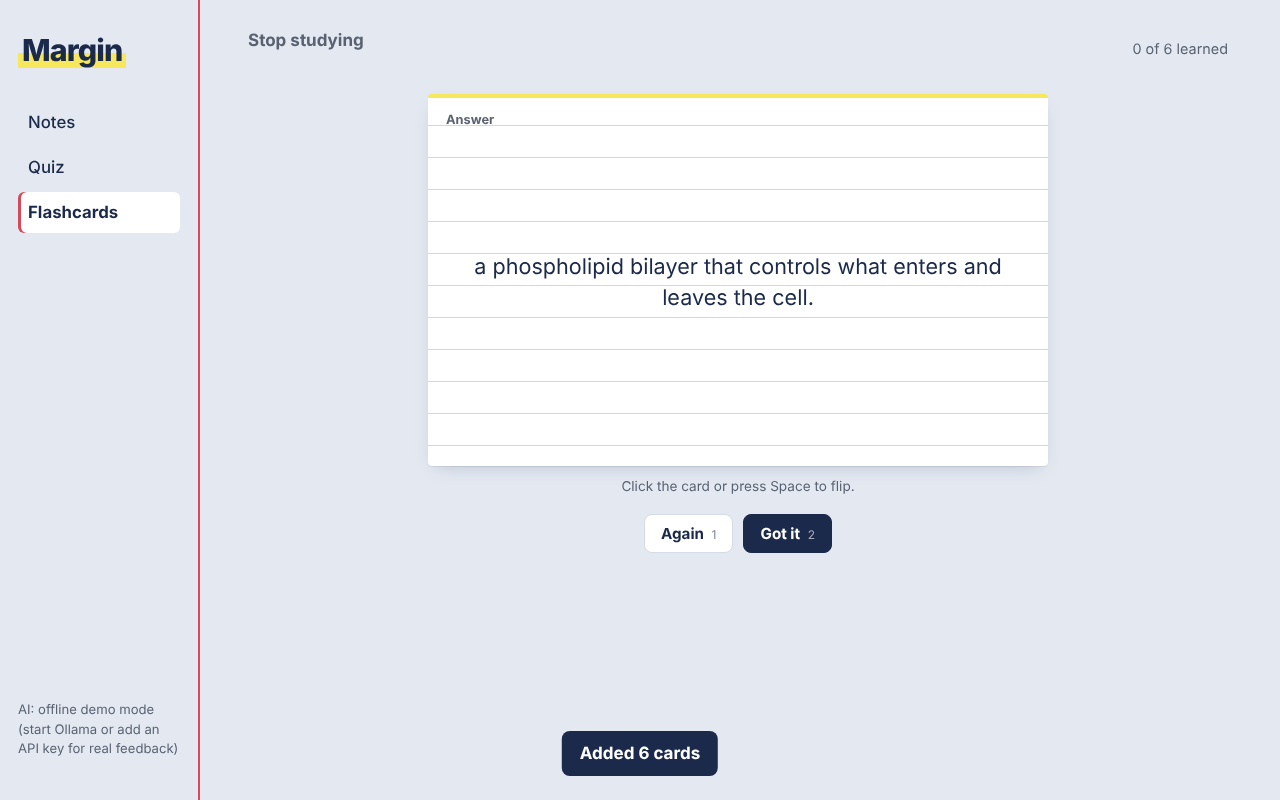
Margin turns your notes into practice. You write in a ruled notepad with a timed focus mode, then an AI quizzes you with multiple-choice or written questions, grades your answers and corrects you. It can also make flashcards from your notes.
What made it work
- The index-card design
- A grading prompt that accepts answers that are right but worded differently
The screens
Build your own version
Yours goes up next to @tobias_gp’s as a vibe off, and @tobias_gp is told. Credit for the idea stays with them.
How it was madeThe prompt, tools, time, what’s left to make it real.
What’s left to make it real
User accounts and sync, spaced repetition for flashcards, importing lecture PDFs, and hosting the AI server.
- Made with
- Claude, Python Flask, JavaScript, Ollama
- Took
- one evening
- How
- I described the app in plain language to Claude, which planned and wrote all the code: a small Python Flask server that talks to the AI, and a plain HTML/CSS/JavaScript frontend that saves notes and decks in the browser. The AI runs free and locally through Ollama, or through Claude/OpenAI with a key. The prompts ask the model for questions, grades and flashcards as JSON. Claude tested it with automated browser runs and screenshots, and that's how a dark-mode bug was found and fixed. After rereading the assignment, I asked for Ollama support so the app works without paying for an API.
- The prompt
- A study application that helps you Write notes and create flipcards and test your knowledge. Write notes With a Focus mode that removes everyhting else except the notepad for a set amount of minutes. AI interation that can test your knowledge through questions (either mulitple choice or full writing ones) and gives feedback and corrects you if your wrong. The ability to create flipcards yourself and ask an ai to make flipcards from the notes.In Claude, Python Flask, JavaScript, OllamaModel Claude Opus 5.5Took one evening
Building on it rather than answering it? Post a remix and it links back here.
Share it
More builds
Post a buildI built a floral weekly planner that doubles as a desktop wallpaper
@ajofClaude1 commentMyCaddie — a simple golf club picker that adjusts for wind
@fredrikht3011ChatGpt 5.51 commentI pivoted my restaurant review web app to Android after an hour, and it ran on my phone 30 minutes later
@stewiikltGoogle Antigravity1 commentWe built Circles, a social app where every hobby gets its own look
@bmoobjectClaude1 commentI built FlowSync, a local-first productivity app where my AI assistant proposes changes instead of making them
@covertClaude Code1 comment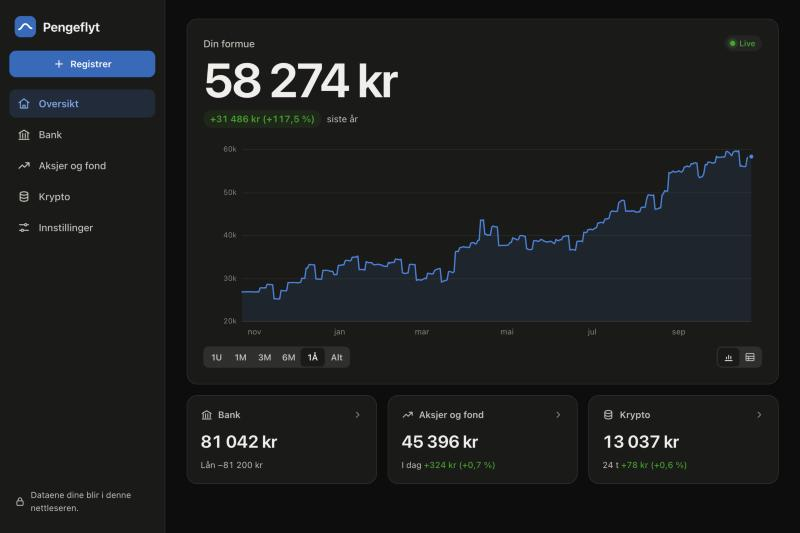
I built a Norwegian net-worth tracker that adds up my bank, stocks and crypto with live prices
@muhusClaude Code1 comment
1 comment
@tobias_gpbuilder
What would get you to quiz yourself instead of just rereading your notes?
Sign in to comment — you come straight back here.