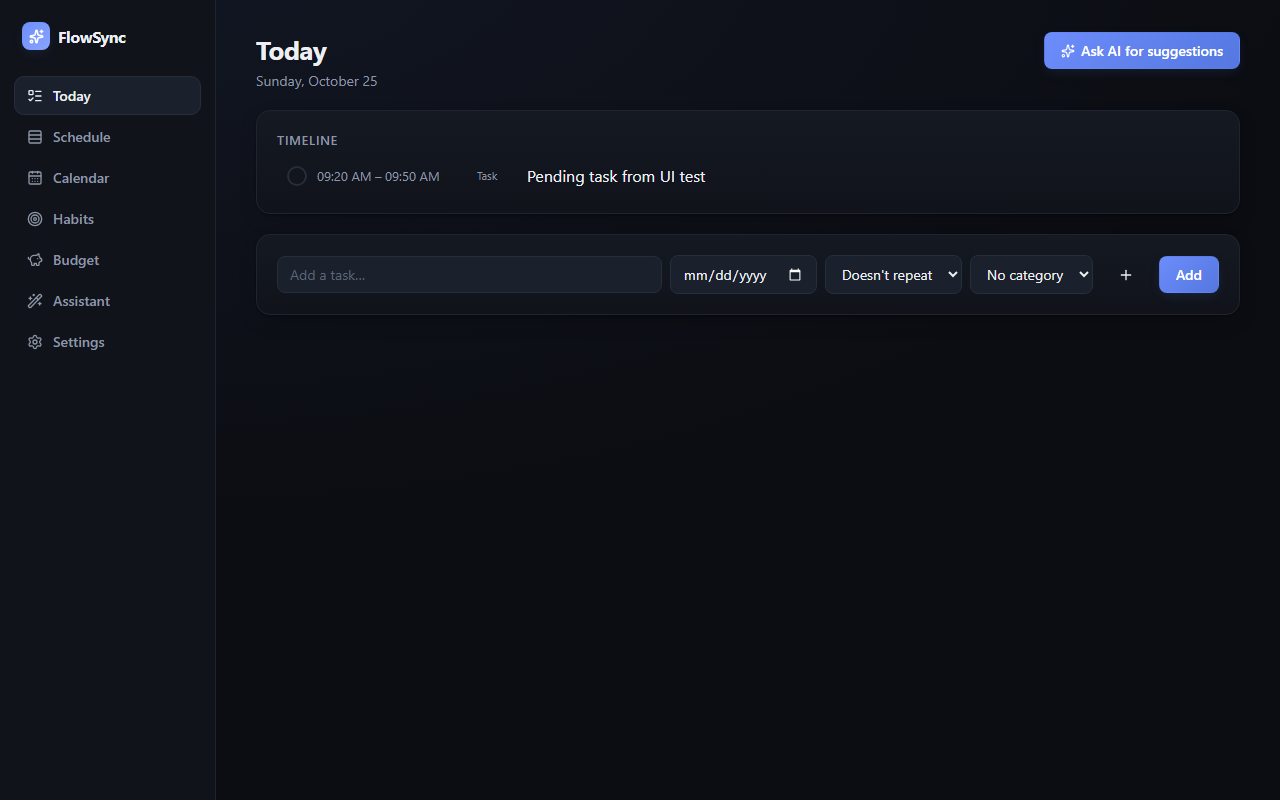
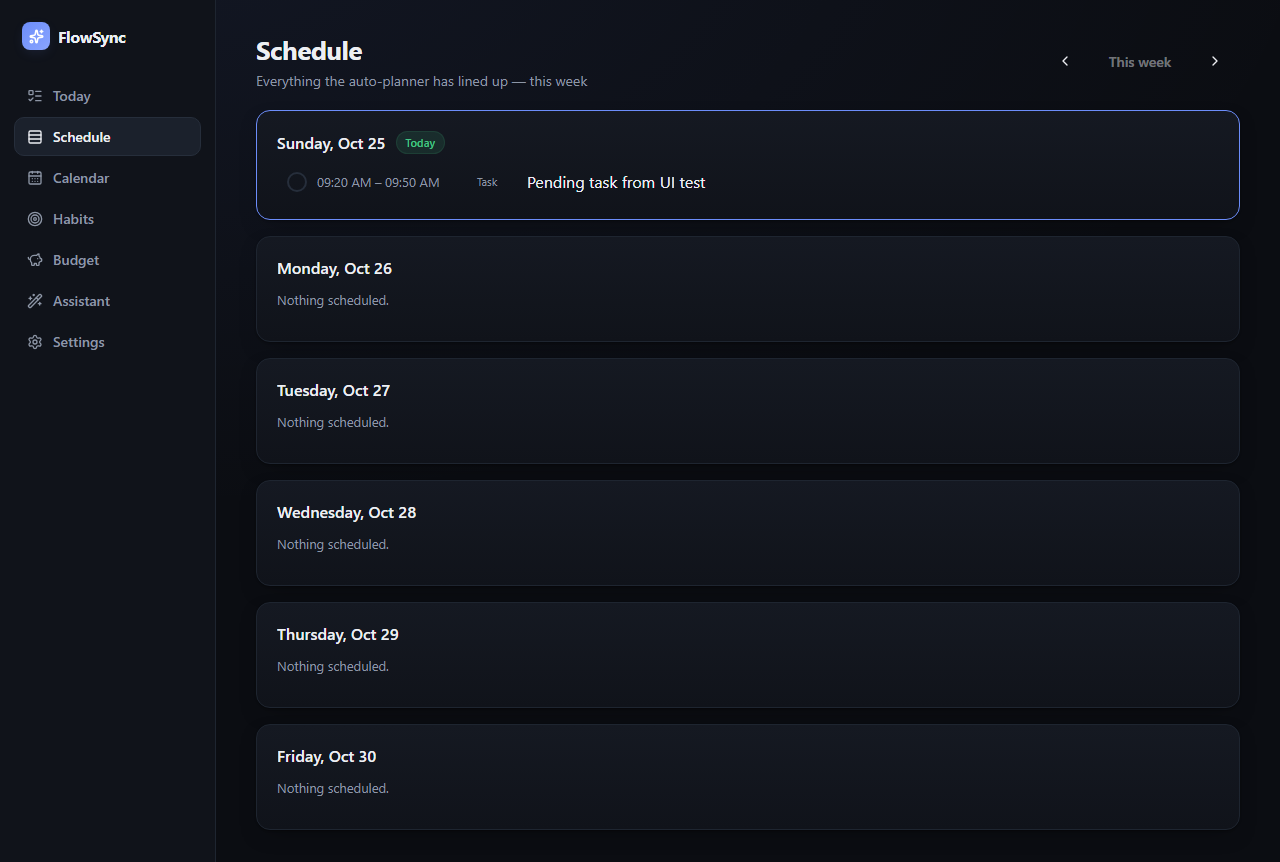
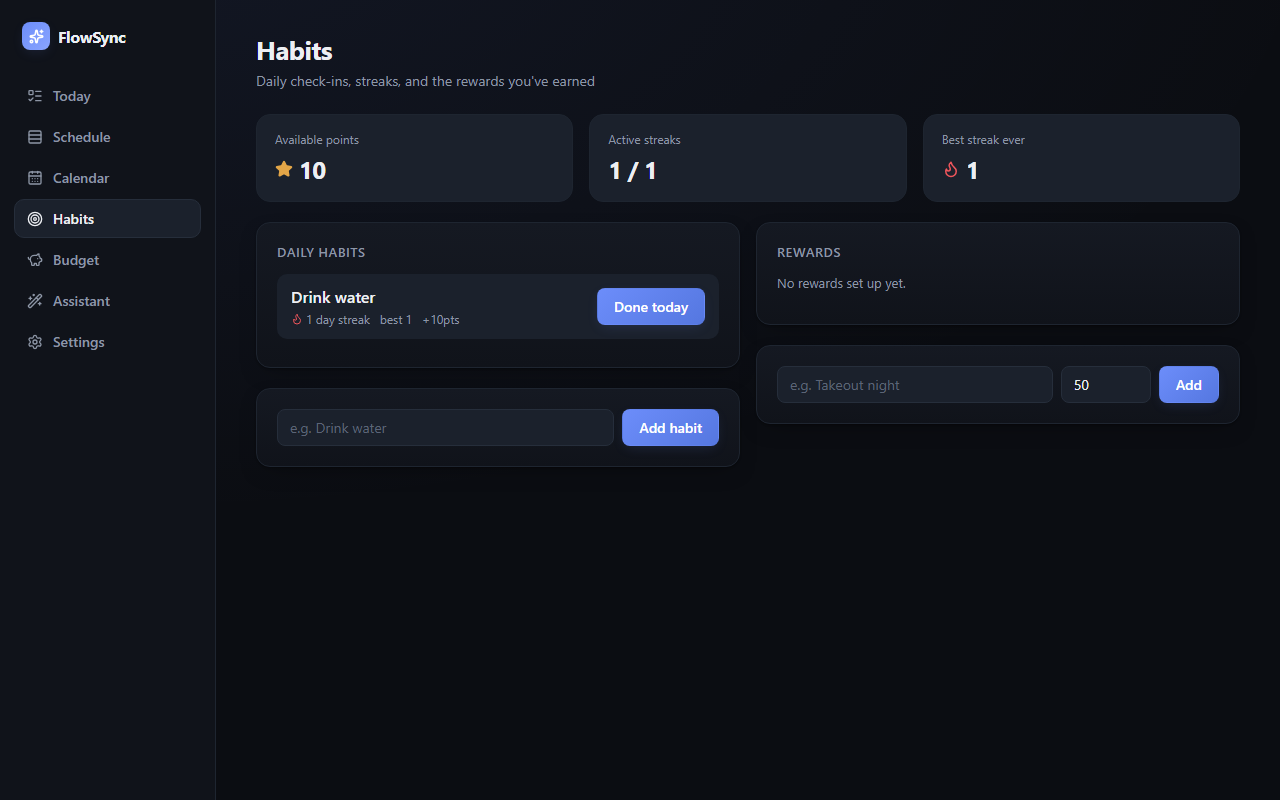
I built FlowSync, a local-first productivity app where my AI assistant proposes changes instead of making them
A calendar, schedule, todo, habit tracker, and budget tracker running entirely on my own machine. Any script or local AI can propose a change, but nothing lands until I approve it in a Pending inbox.
What made it work
- The Pending inbox � nothing an AI or external app adds becomes real until I click Accept
- The AI Assistant turning a plain-English instruction into a list of concrete, reviewable actions
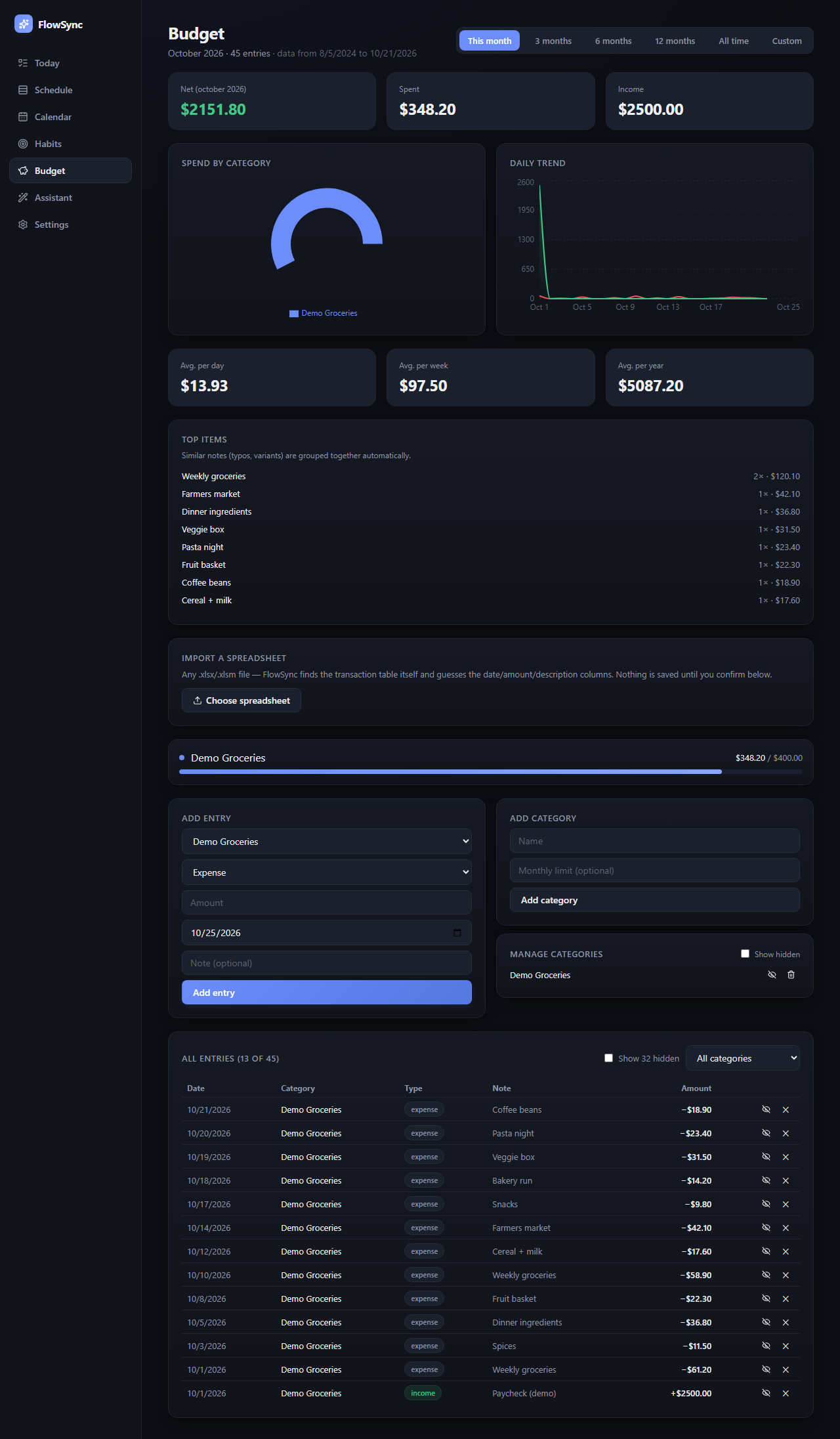
- Budget analytics that auto-group near-duplicate line items (typos, variants) into one entry
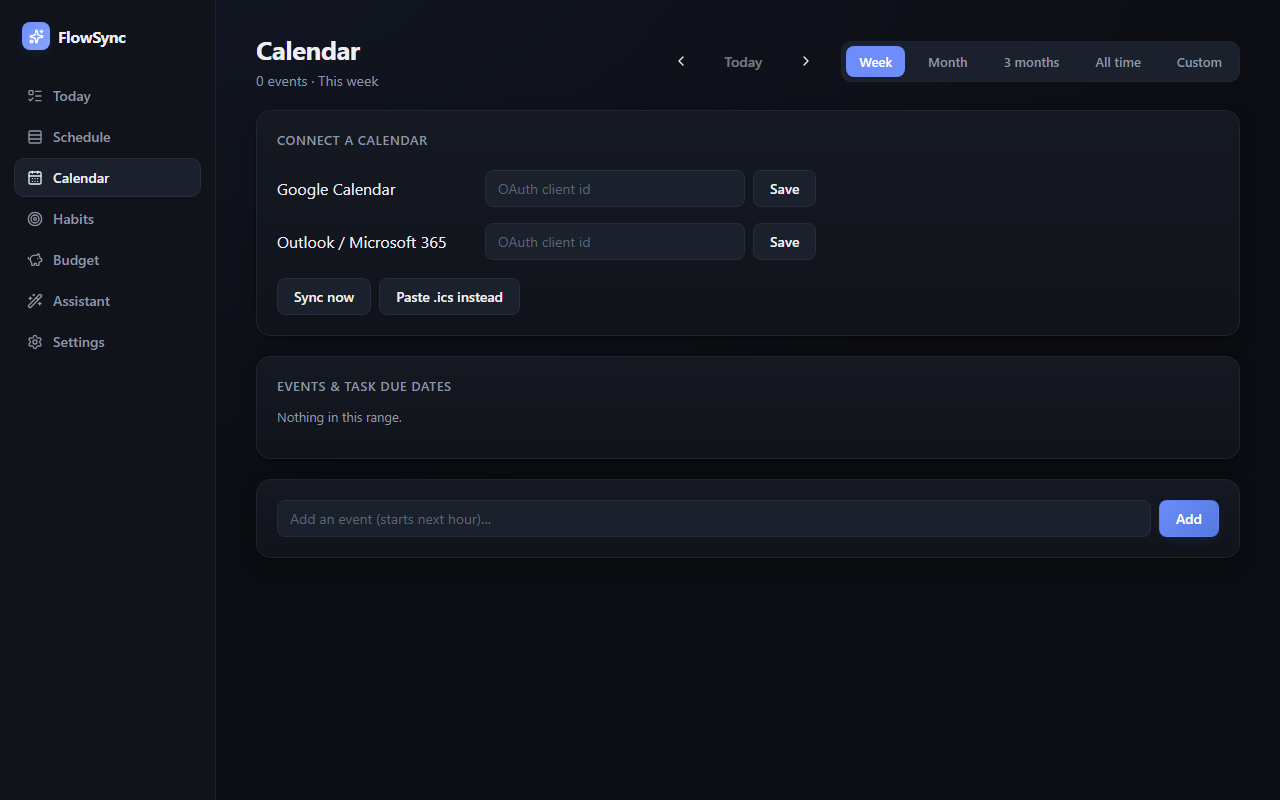
- OAuth device-code flow for calendar sync � no redirect URI or embedded browser needed
The screens
Build your own version
Yours goes up next to @covert’s as a vibe off, and @covert is told. Credit for the idea stays with them.
How it was madeTools, what’s left to make it real.
What’s left to make it real
Still local-only (Windows, no packaged installer � you run the Python backend and Vite dev server yourself). A real version would want: an installer bundling both halves, OS-keychain storage for OAuth tokens instead of the SQLite file they're in now, and an Android client.
- Made with
- Claude Code, FastAPI, SQLModel, React, TypeScript, Vite, Ollama, Playwright
- How
- FastAPI + SQLite backend, React/TypeScript frontend. A local Ollama model and an in-app AI Assistant both work through the same reviewable-plan pattern: every task, event, or habit they create is held as pending until a person accepts it. Google/Outlook sync uses the OAuth device-code flow.
Building on it rather than answering it? Post a remix and it links back here.
Share it
More builds
Post a buildI built a floral weekly planner that doubles as a desktop wallpaper
@ajofClaude1 commentMyCaddie — a simple golf club picker that adjusts for wind
@fredrikht3011ChatGpt 5.51 commentI built a study app that quizzes me on my own notes
@tobias_gpClaude1 commentI pivoted my restaurant review web app to Android after an hour, and it ran on my phone 30 minutes later
@stewiikltGoogle Antigravity1 commentWe built Circles, a social app where every hobby gets its own look
@bmoobjectClaude1 comment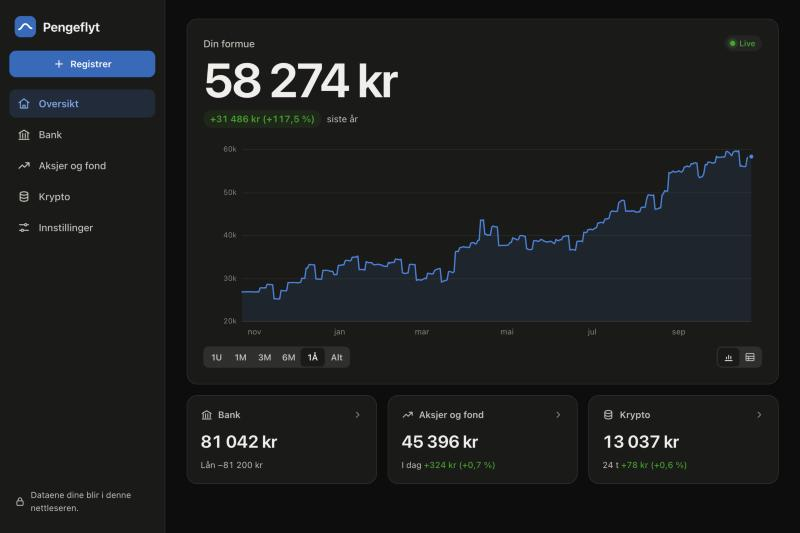
I built a Norwegian net-worth tracker that adds up my bank, stocks and crypto with live prices
@muhusClaude Code1 comment
1 comment
@covertbuilder
What's the next thing you'd want a tool like this to automate for you, if it could only act after you approved it?
Sign in to comment — you come straight back here.