Leeway Study planner
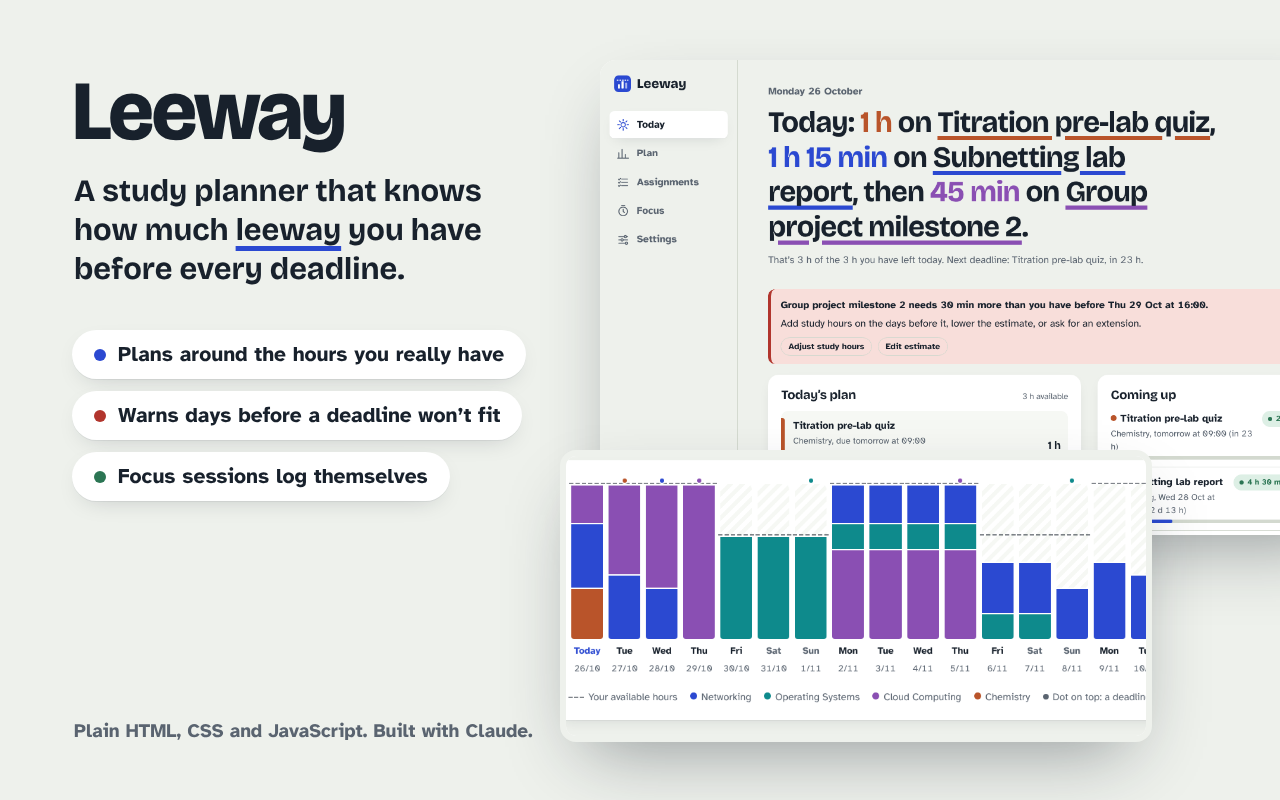
I wanted a planner that knows not just when my assignments are due, but how long they take and how many hours I actually have. I described the idea to Claude and asked it to do every step: plan, build, test, improve and publish. Leeway is what came out: it spreads the work across my days, warns me early when a deadline won’t fit, and logs focus sessions against each assignment.
What made it work
- The AI’s own tests caught real bugs I would never have noticed
- A randomized search over 20,000 schedules found plans that missed deadlines when weekly hours were uneven; spreading work in proportion to each day’s hours brought that to zero
- A phone-width test caught the plan chart pushing the whole page sideways
- Building the scheduling logic as pure, tested functions before any UI
- Reviewing screenshots of every screen in light, dark and mobile before shipping
The screens
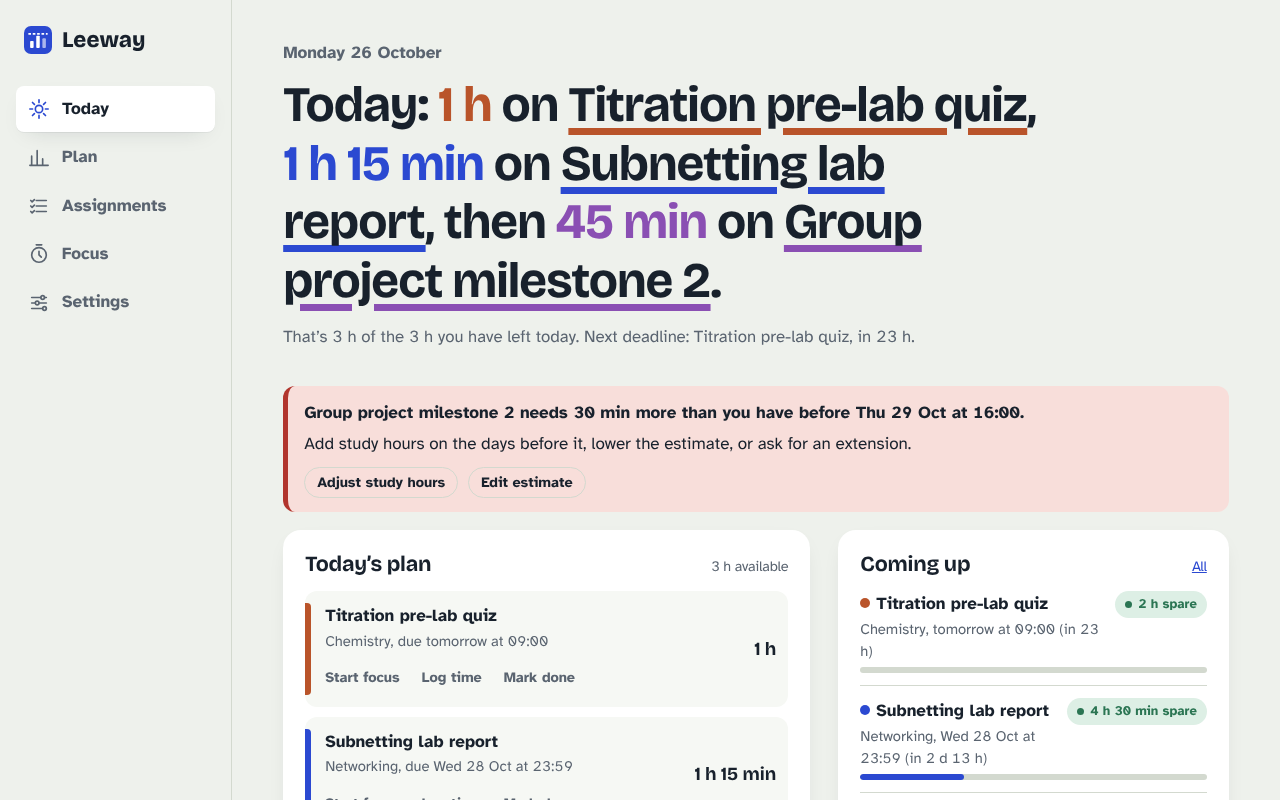
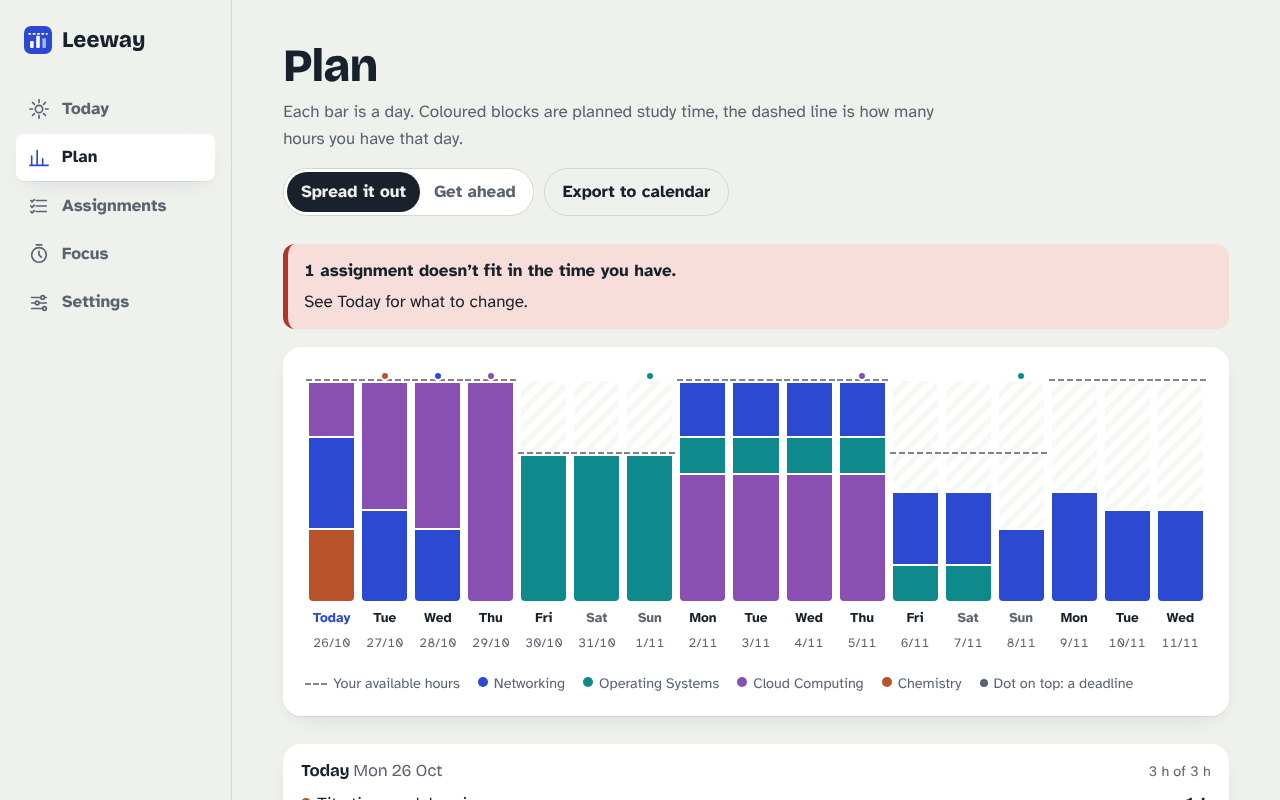
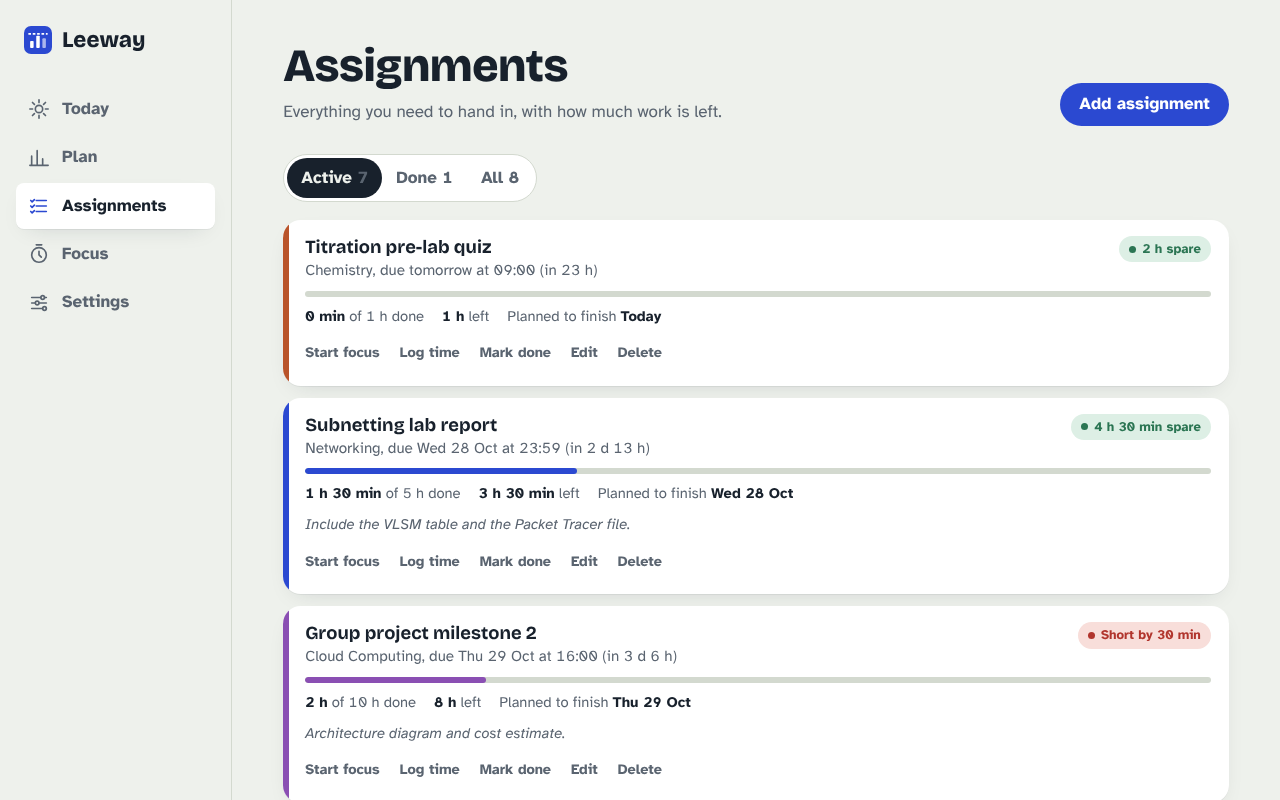
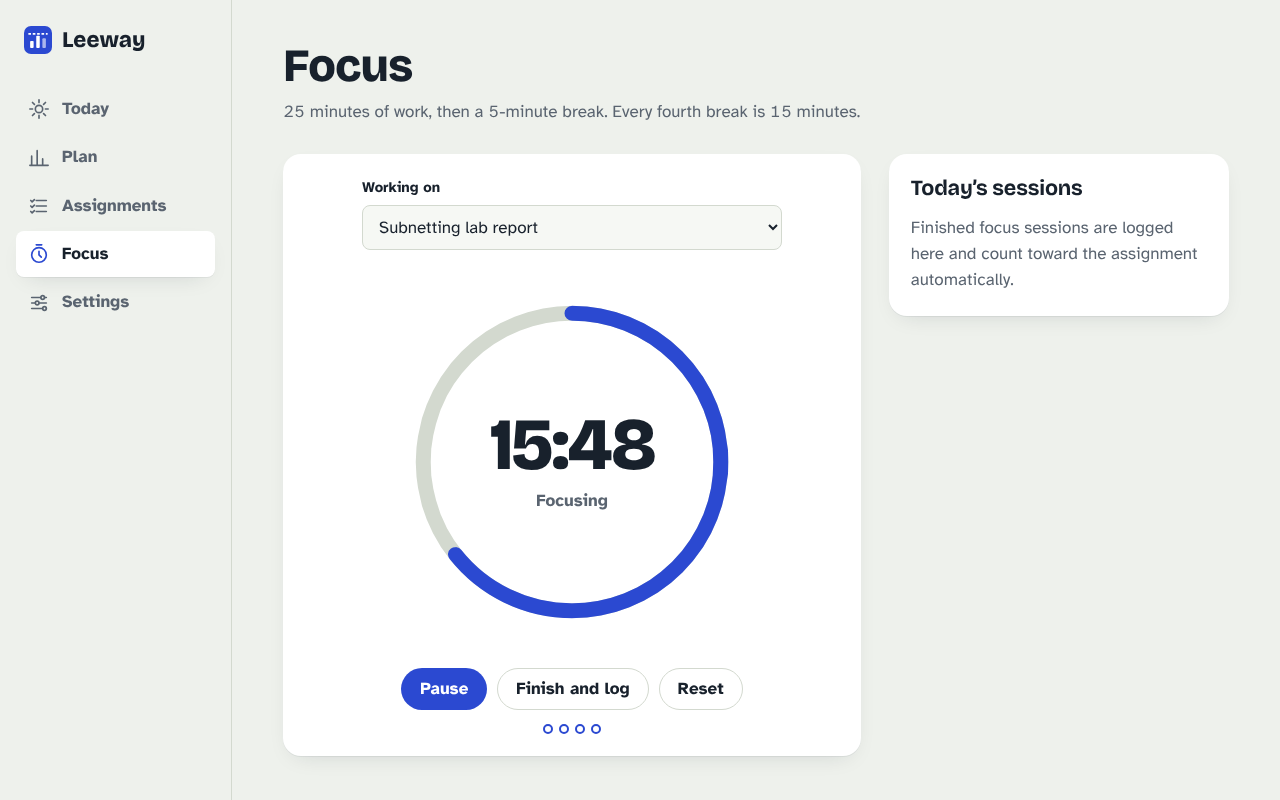
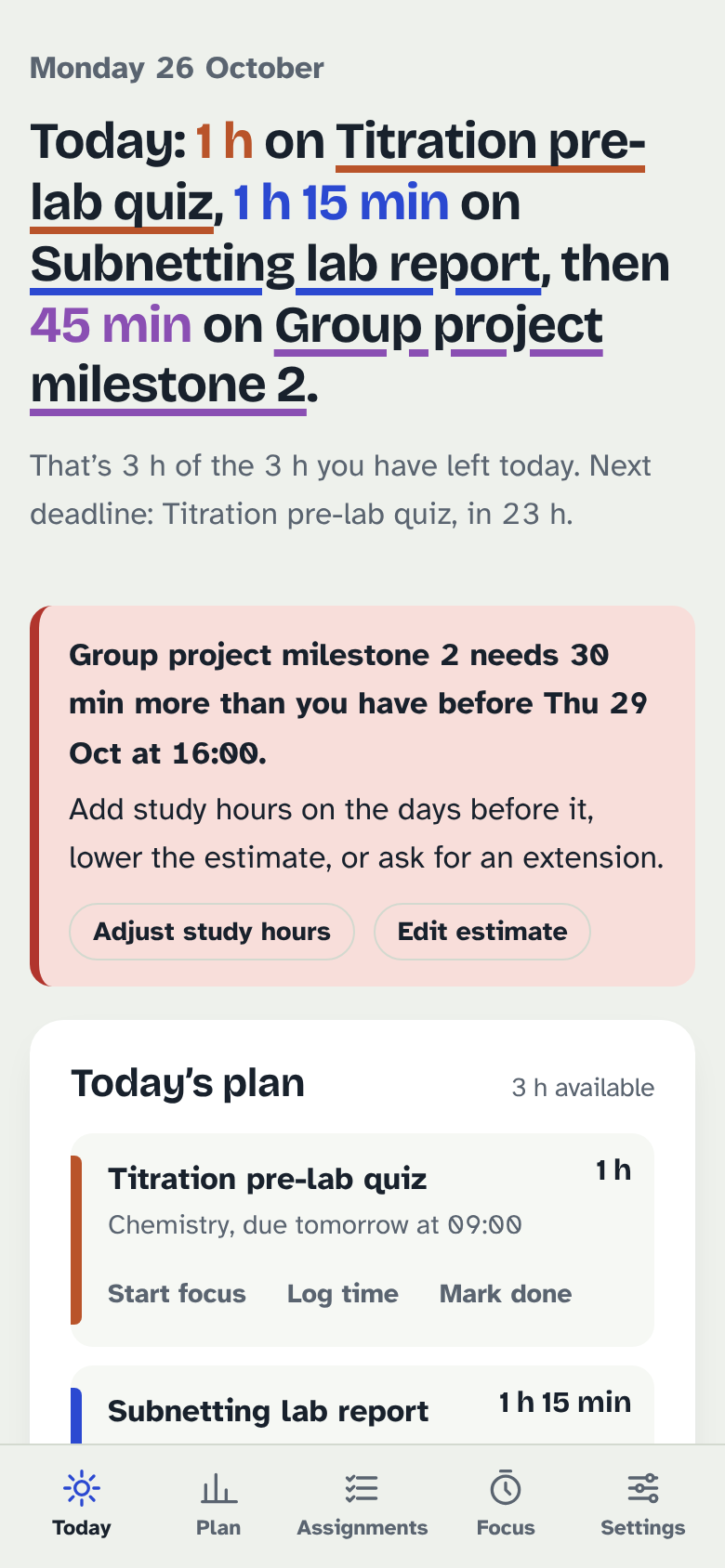
Try itLive at alpacaqq.github.io.
Open ↗Build your own version
Yours goes up next to @alpacaqq’s as a vibe off, and @alpacaqq is told. Credit for the idea stays with them.
How it was madeThe prompt, tools, time, what’s left to make it real, links.
What’s left to make it real
Data lives in one browser’s localStorage, so next is sync between devices. Deadlines are typed in by hand; importing them from Canvas or a calendar feed is the obvious step. Estimates are taken at face value; using logged time to correct them would make the warnings sharper. The plan is per day, not per hour.
- Made with
- Claude, JavaScript, Playwright, Node test runner, axe-core, GitHub Pages
- Took
- about an hour
- How
- Claude (Opus 5.5) in the Claude app, working in a cloud sandbox. It wrote the scheduling engine first as pure JavaScript with Node unit tests, then the interface in plain HTML, CSS and JS with no framework. Then Playwright end-to-end tests, an axe-core accessibility audit and a screenshot review on desktop, mobile and dark mode, fixing what each one found. Hosted on GitHub Pages.
- The prompt
- Please go for the study planner and make it really good and do every step of the assignment, test it, improve, etc. make the demo link on vibeoff.ai and make the github code on my AlpacaQQ github account in a repo and a short desc.In Claude, JavaScript, Playwright, Node test runner, axe-core, GitHub PagesModel Claude Opus 5.5Took about an hour
- Hard parts
- Spreading work evenly sounds simple, but when study hours differ from day to day, an even split left the big days unused and quietly missed deadlines. It took a randomized search over 20,000 schedules to find those cases and a capacity-proportional rule to fix them.
- Try it
- Open the demoRead the code
Building on it rather than answering it? Post a remix and it links back here.
Share it
More builds
Post a buildI built a floral weekly planner that doubles as a desktop wallpaper
@ajofClaude1 commentMyCaddie — a simple golf club picker that adjusts for wind
@fredrikht3011ChatGpt 5.51 commentI built a study app that quizzes me on my own notes
@tobias_gpClaude1 commentI pivoted my restaurant review web app to Android after an hour, and it ran on my phone 30 minutes later
@stewiikltGoogle Antigravity1 commentWe built Circles, a social app where every hobby gets its own look
@bmoobjectClaude1 commentI built FlowSync, a local-first productivity app where my AI assistant proposes changes instead of making them
@covertClaude Code1 comment
Comments
Nothing yet. Ask @alpacaqq how they got it to work, or say what you liked.
Sign in to comment — you come straight back here.