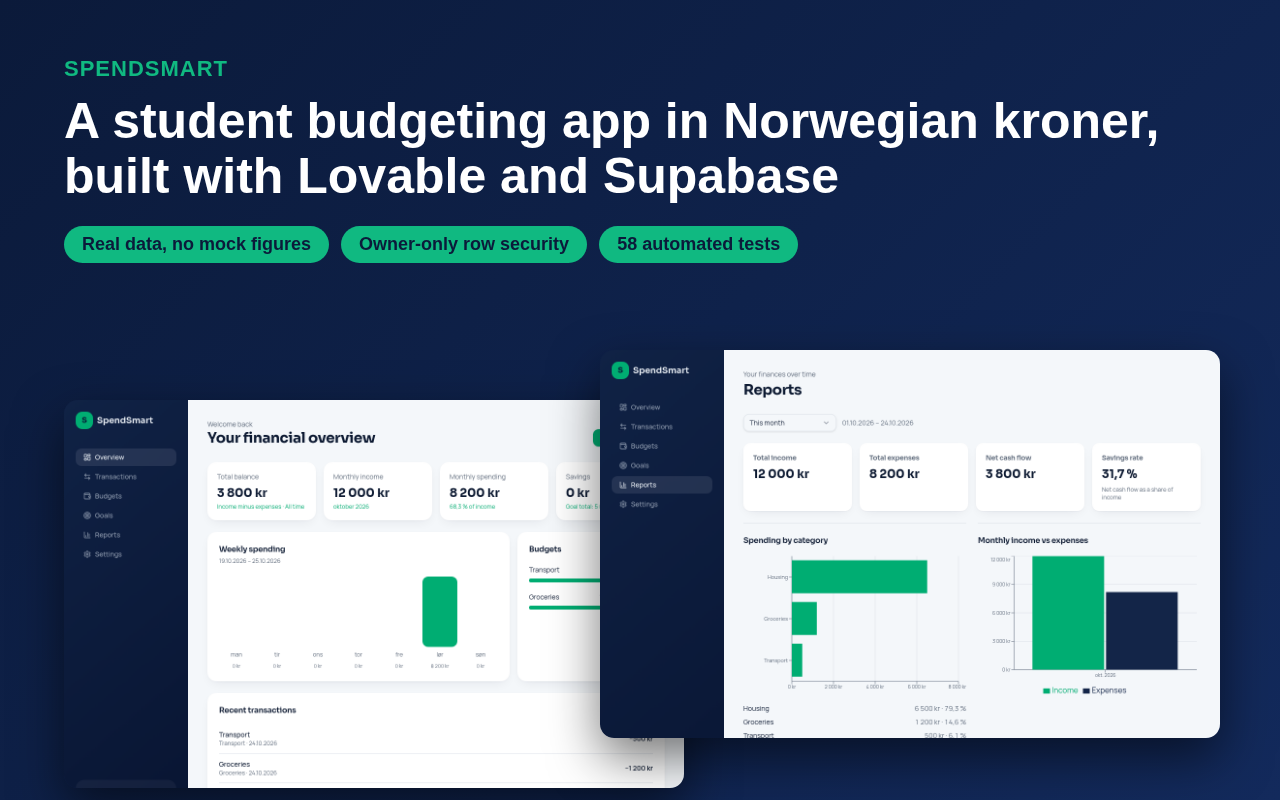
I built SpendSmart, a budgeting app for students in Norway, by prompting it one section at a time
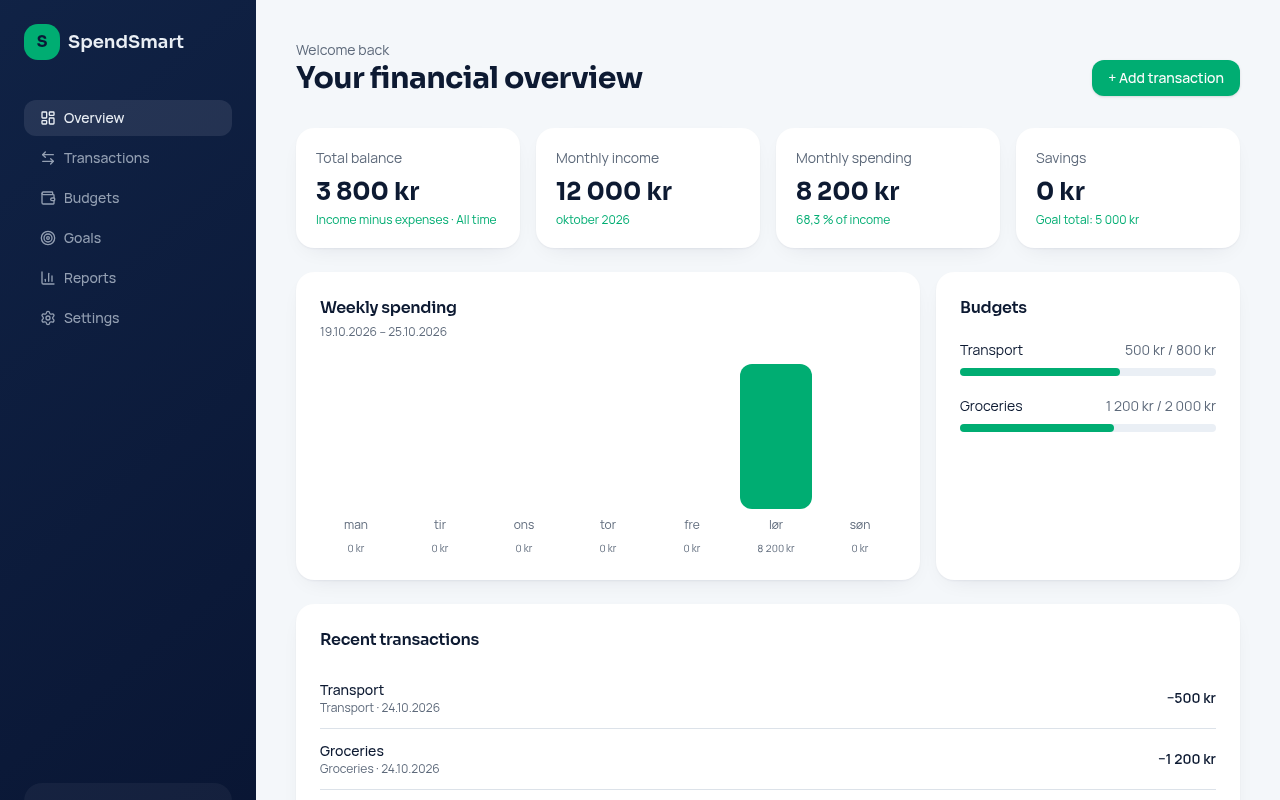
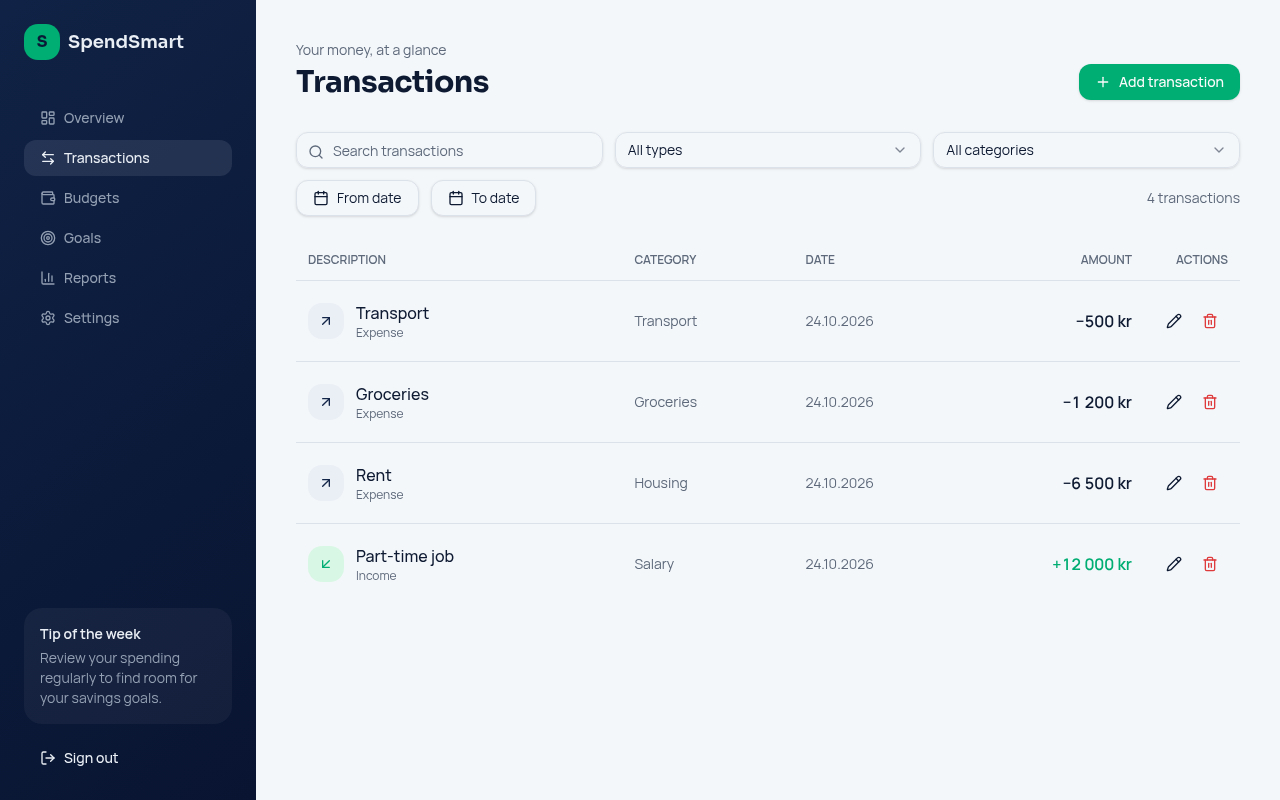
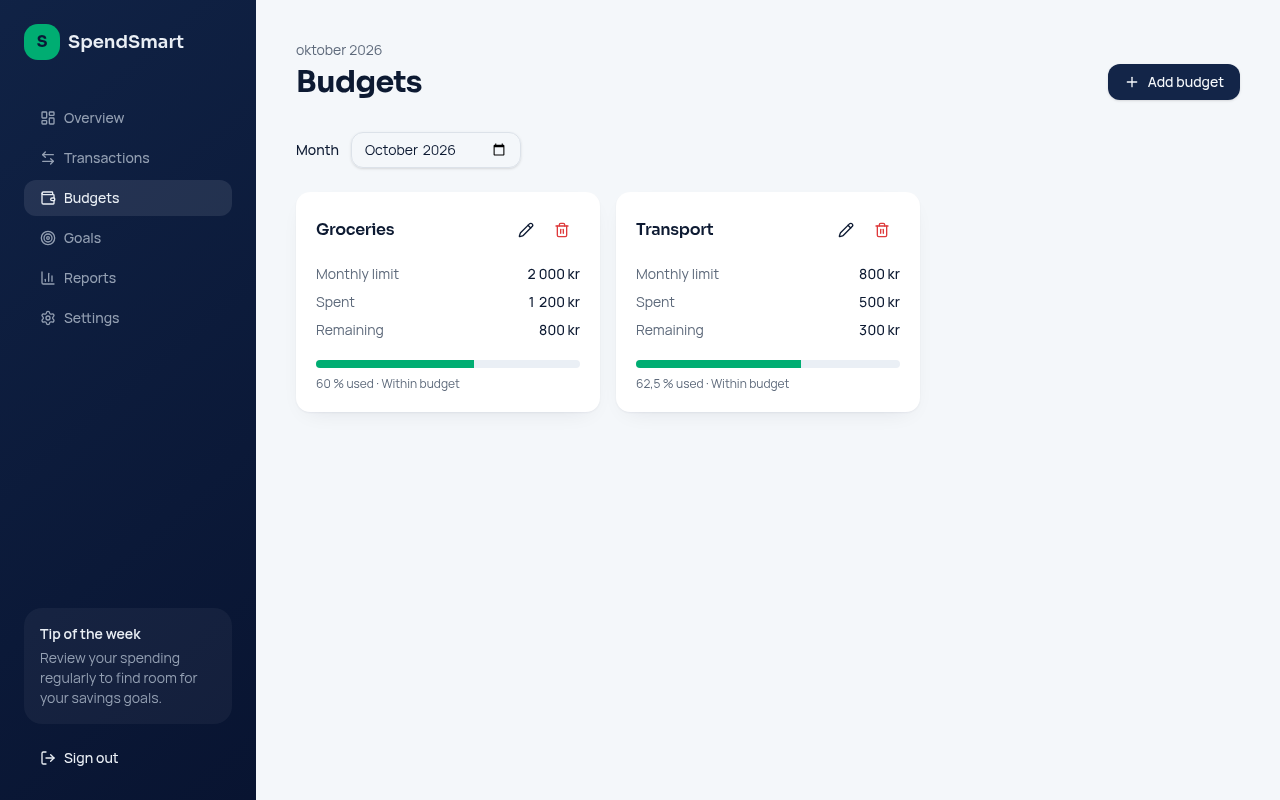
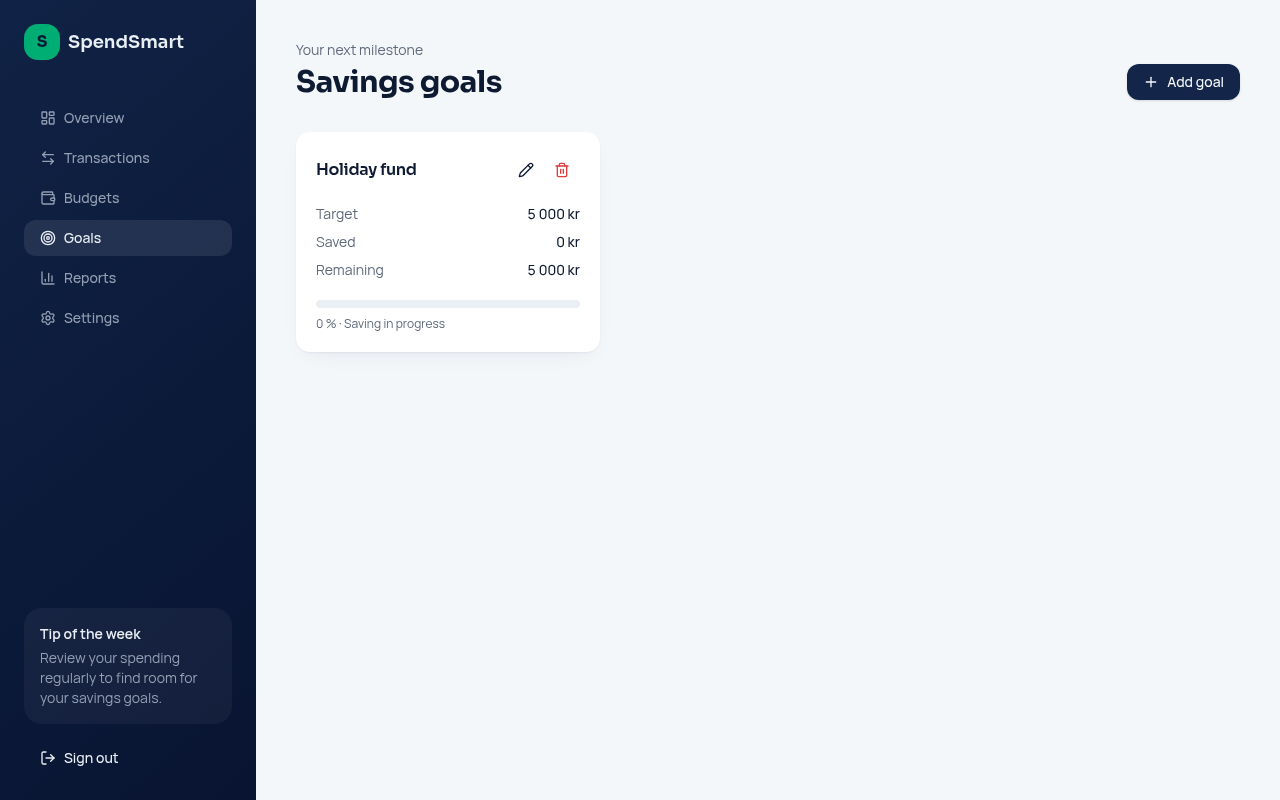
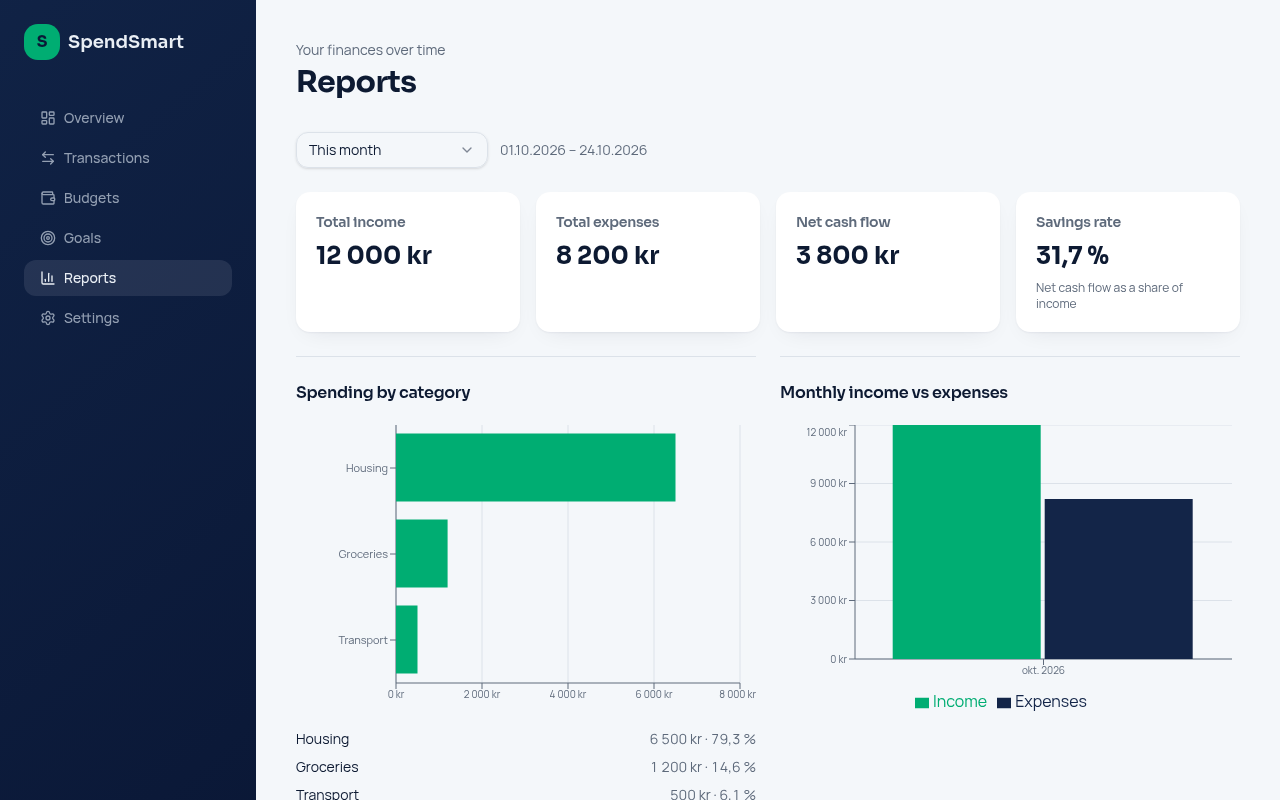
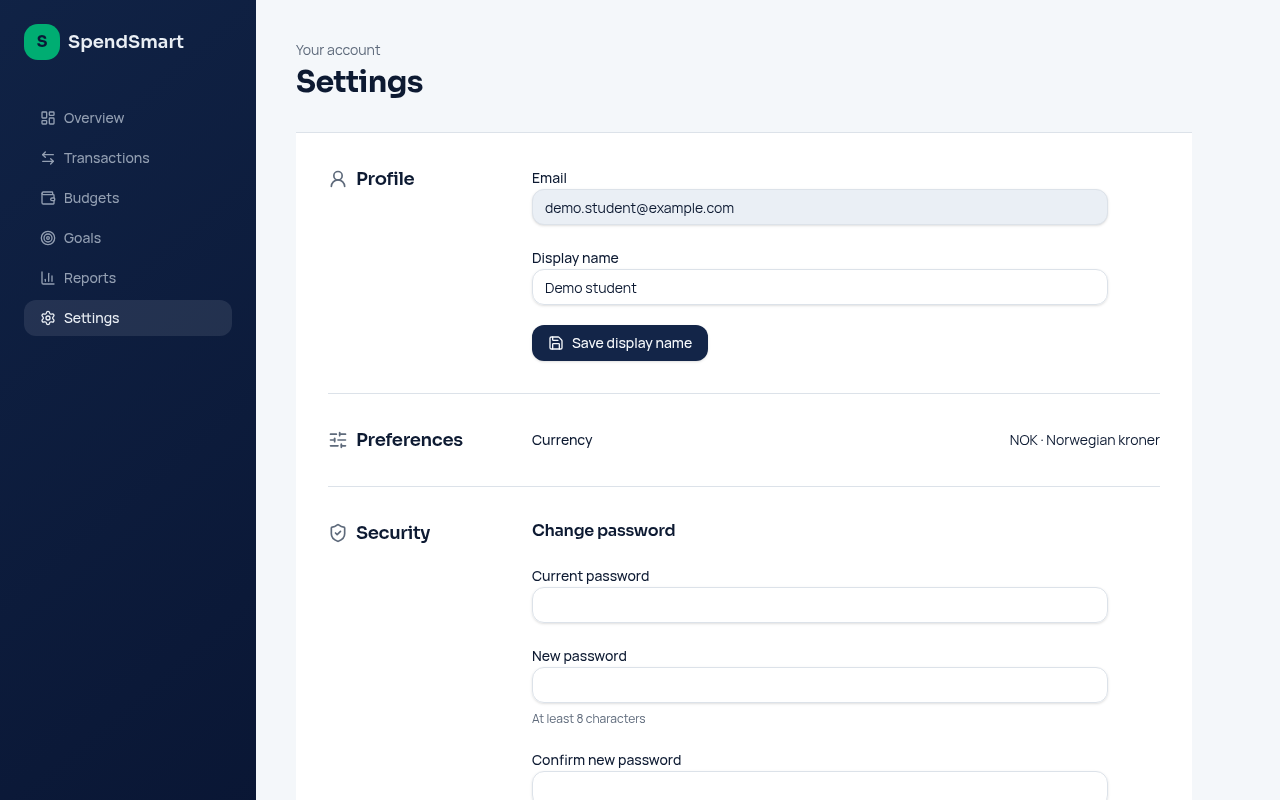
For a university assignment I set out to build a personal finance dashboard for students and young professionals, priced in Norwegian kroner. I gave Lovable one prompt per feature - sign-in, transactions, overview, budgets, savings goals, reports and settings - on top of my own Supabase database. Then I had it audit and tighten the database security before calling it done.
What made it work
- Asked for NOK and Norwegian date formatting early, and kept it as a rule for every later page
- Built one section per prompt (auth, transactions, overview, budgets, goals, reports, settings) and asked for tests each time
- Made the AI audit the database permissions read-only first, review the SQL, then apply it as a single transaction
- Found and fixed a savings-contributions rule that only checked one of two owners
The screens
Try itLive at spendwise-weekly-glow.lovable.app.
Open ↗Build your own version
Yours goes up next to @spendsmart-demo’s as a vibe off, and @spendsmart-demo is told. Credit for the idea stays with them.
How it was madeThe prompt, tools, what’s left to make it real, links.
What’s left to make it real
Next: a live two-account test proving one user can never read another's records through direct requests - the database rules are inspected but not attack-tested yet. Turn on leaked-password protection in Supabase Auth. Savings contributions can be read but not added in the app yet, and there is no bank import, so every transaction is typed in by hand.
- Made with
- Lovable, Supabase, TanStack Start, React, Tailwind CSS, Recharts
- How
- Lovable (TanStack Start, React, Tailwind) connected to my own Supabase project for auth and the database. Each feature was a separate prompt with explicit validation, security and testing requirements, followed by read-only security audits and reviewed SQL fixes.
- The prompt
- Connect the existing SpendSmart Overview dashboard to real data from the authenticated user's existing Supabase transactions table. Remove hardcoded example figures, calculate balance, monthly income and spending, handle zero income safely, rely on Row Level Security, and show empty states instead of fabricated bars.In Lovable, Supabase, TanStack Start, React, Tailwind CSS, Recharts
- Try it
- Open the demoRead the code
Building on it rather than answering it? Post a remix and it links back here.
Share it
More builds
Post a buildI built a floral weekly planner that doubles as a desktop wallpaper
@ajofClaude1 commentMyCaddie — a simple golf club picker that adjusts for wind
@fredrikht3011ChatGpt 5.51 commentI built a study app that quizzes me on my own notes
@tobias_gpClaude1 commentI pivoted my restaurant review web app to Android after an hour, and it ran on my phone 30 minutes later
@stewiikltGoogle Antigravity1 commentWe built Circles, a social app where every hobby gets its own look
@bmoobjectClaude1 commentI built FlowSync, a local-first productivity app where my AI assistant proposes changes instead of making them
@covertClaude Code1 comment
Comments
Nothing yet. Ask @spendsmart-demo how they got it to work, or say what you liked.
Sign in to comment — you come straight back here.