I built a study room booker that lets me manage rooms and reservations
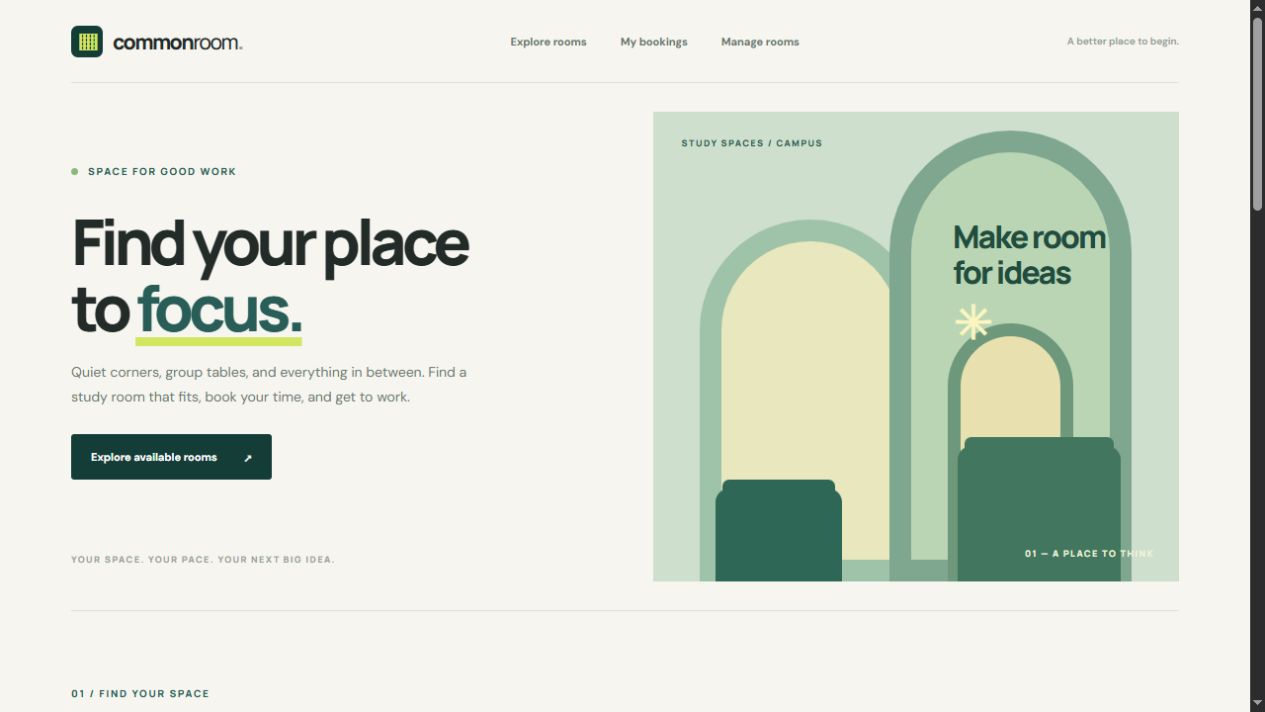
I wanted a simple way for students to reserve study spaces, so I asked Codex for a booking prototype with full CRUD. Common Room now lets users filter rooms, reserve slots, and manage room and booking records while preventing overlaps within the browser.
The screens
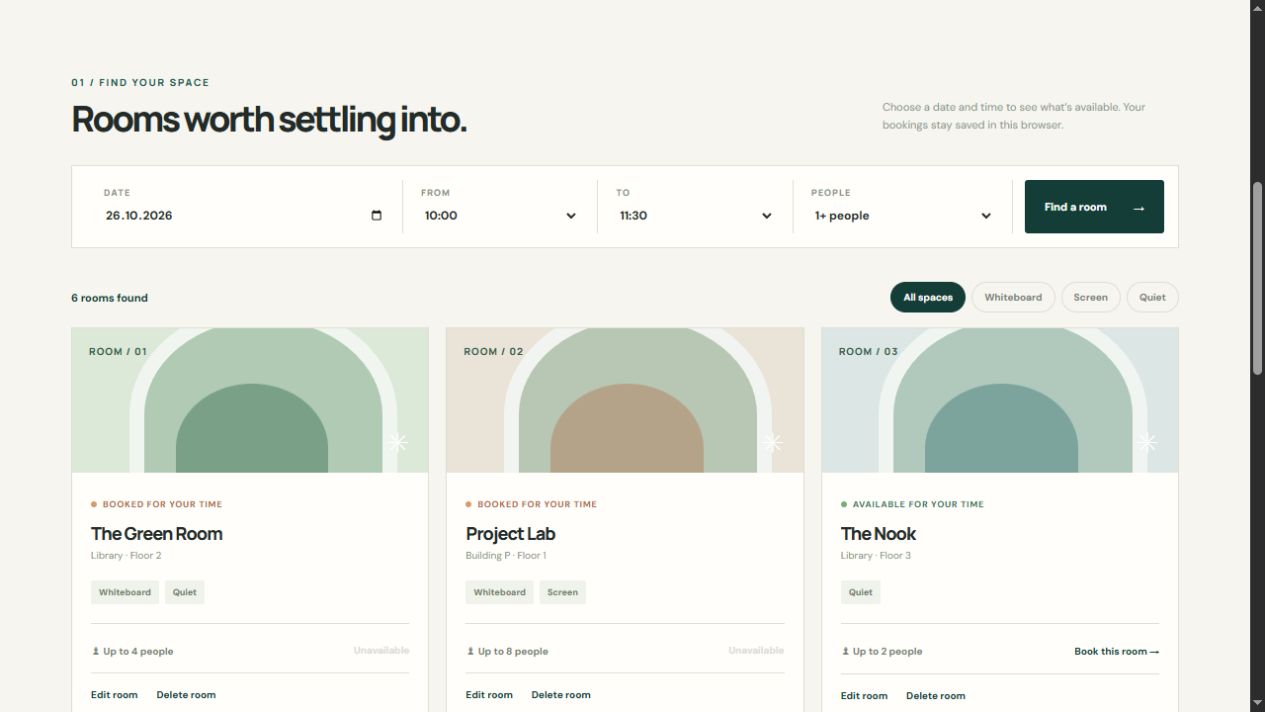
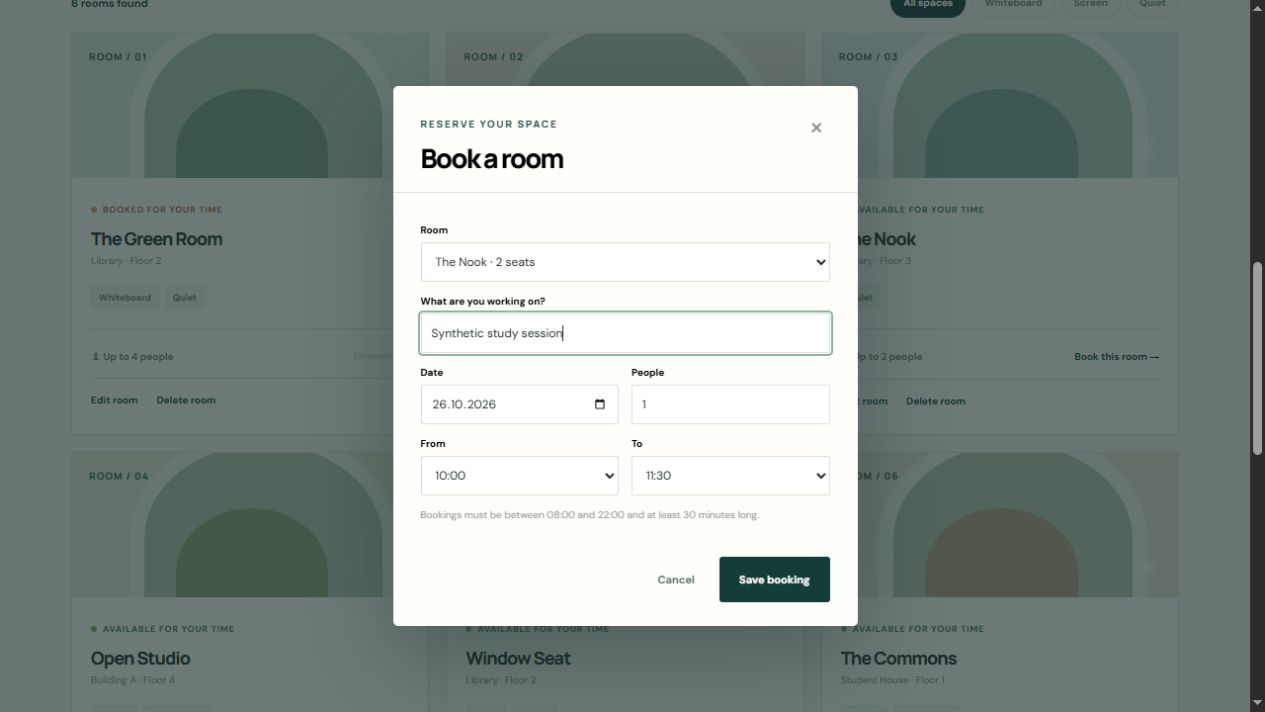
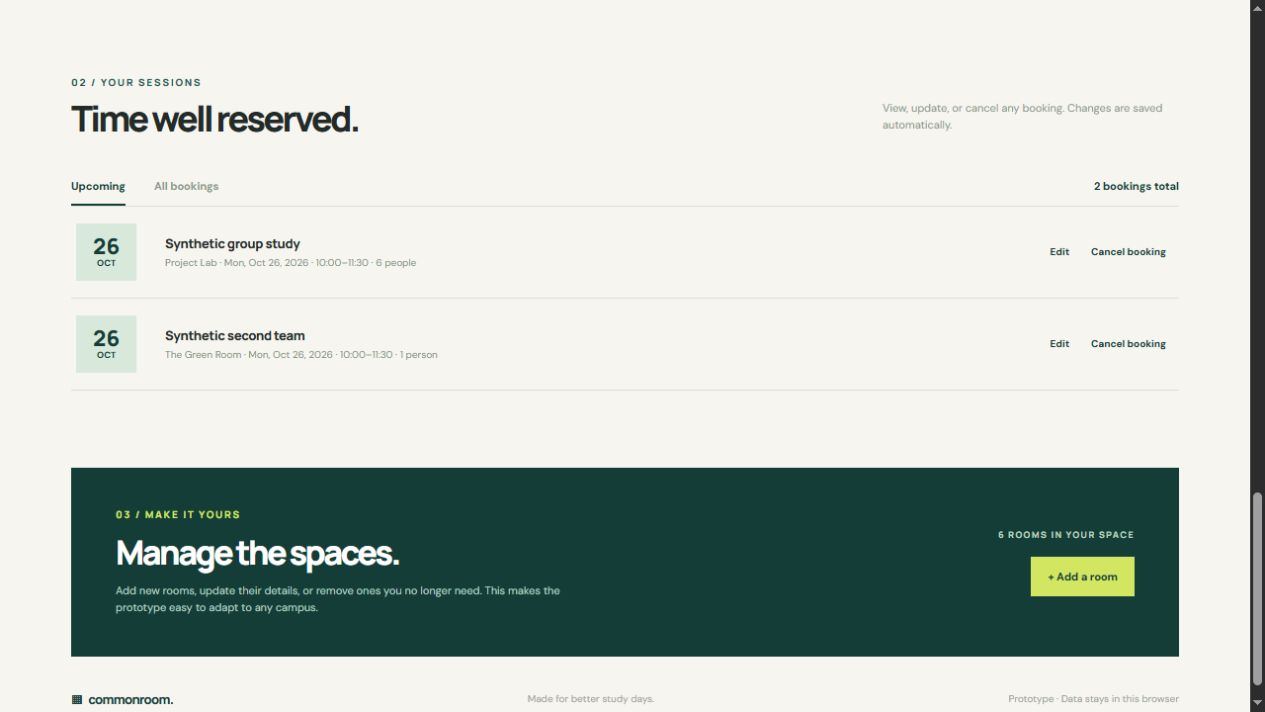
Try itLive at wjaas.github.io.
Open ↗Build your own version
Yours goes up next to @wjaas’s as a vibe off, and @wjaas is told. Credit for the idea stays with them.
How it was madeThe prompt, tools, what’s left to make it real, links.
What’s left to make it real
Replace browser-local storage with a shared database, user accounts, and server-side conflict checks before real campus use.
- Made with
- ChatGPT Codex, HTML, CSS, JavaScript, Node.js
- How
- I used ChatGPT Codex to design the HTML, CSS, and JavaScript app, implement browser storage and booking validation, then test the CRUD flows in a browser and with Node tests.
- The prompt
- Refined working brief based on my request: Build a responsive study room booking prototype with full create, read, update, and delete flows for rooms and reservations. Let students filter rooms by date, time, capacity, and features; prevent overlapping bookings; and save prototype data locally in the browser. Make it clear and easy to demonstrate.In ChatGPT Codex, HTML, CSS, JavaScript, Node.jsModel GPT-6
- Try it
- Open the demoRead the code
Building on it rather than answering it? Post a remix and it links back here.
Share it
More builds
Post a buildI built a floral weekly planner that doubles as a desktop wallpaper
@ajofClaude1 commentMyCaddie — a simple golf club picker that adjusts for wind
@fredrikht3011ChatGpt 5.51 commentI built a study app that quizzes me on my own notes
@tobias_gpClaude1 commentI pivoted my restaurant review web app to Android after an hour, and it ran on my phone 30 minutes later
@stewiikltGoogle Antigravity1 commentWe built Circles, a social app where every hobby gets its own look
@bmoobjectClaude1 commentI built FlowSync, a local-first productivity app where my AI assistant proposes changes instead of making them
@covertClaude Code1 comment
Comments
Nothing yet. Ask @wjaas how they got it to work, or say what you liked.
Sign in to comment — you come straight back here.