I built a study planner with AI because my deadlines were scattered across Canvas, emails and notes
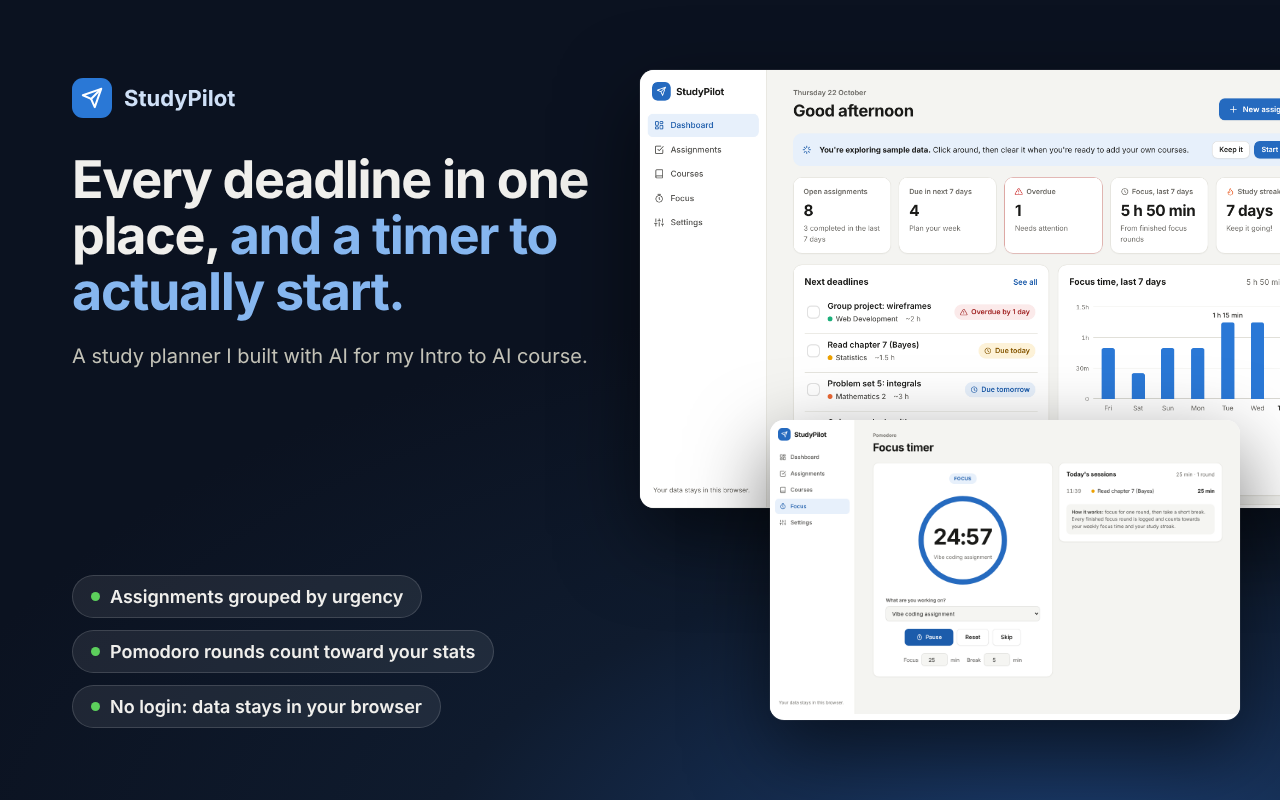
For my Intro to AI course I had to vibe-code an app, so I asked Claude to build StudyPilot: one place for every assignment deadline, grouped by course, plus a Pomodoro timer to actually get started. It asked me a few questions first, then wrote the whole thing as a plain HTML/CSS/JS site and tested it with unit tests, browser tests and screenshots. It's live on GitHub Pages.
What made it work
- It went from an idea to a working, tested app in a single session, much faster than I expected
- Letting the AI ask me questions first (which app, which folder, which language) before it wrote any code
- Keeping the date and stats logic in its own file so it could be unit tested without a browser
- Looking at screenshots caught a bug the tests missed: on a Monday the "this week" chart was empty, so it became "last 7 days"
- Not trusting failing tests blindly: two failures were mistakes in the tests, not the app
The screens
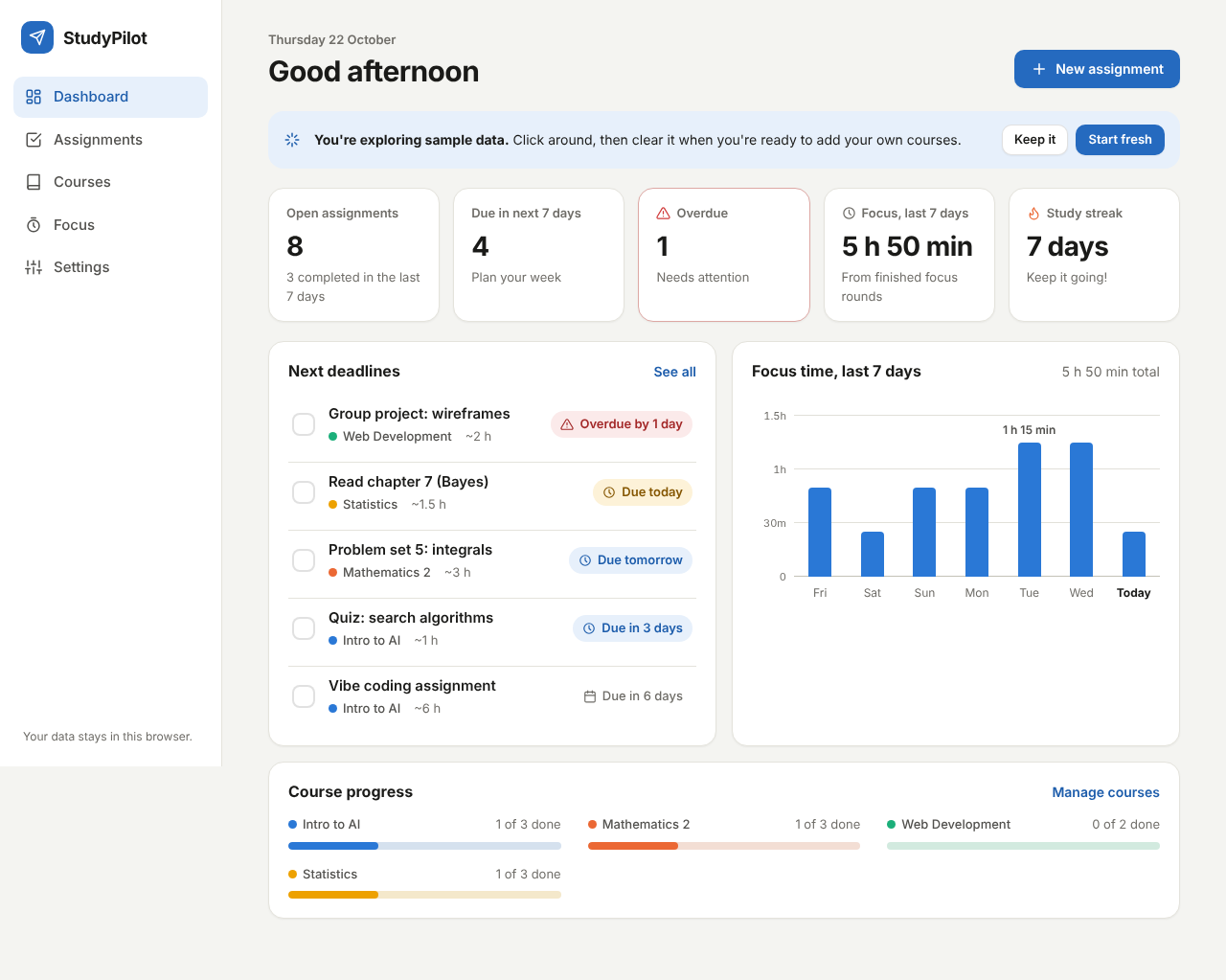
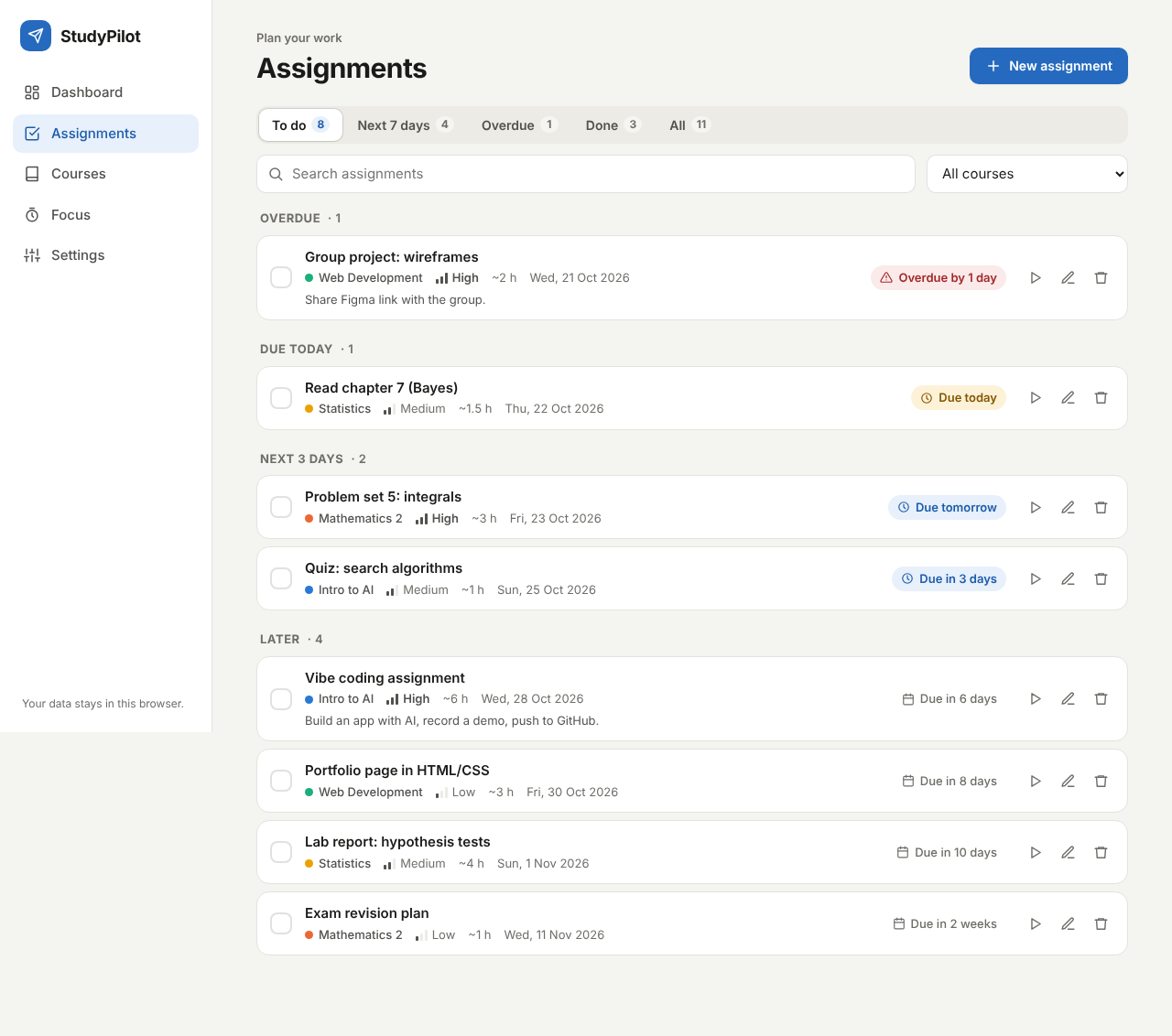
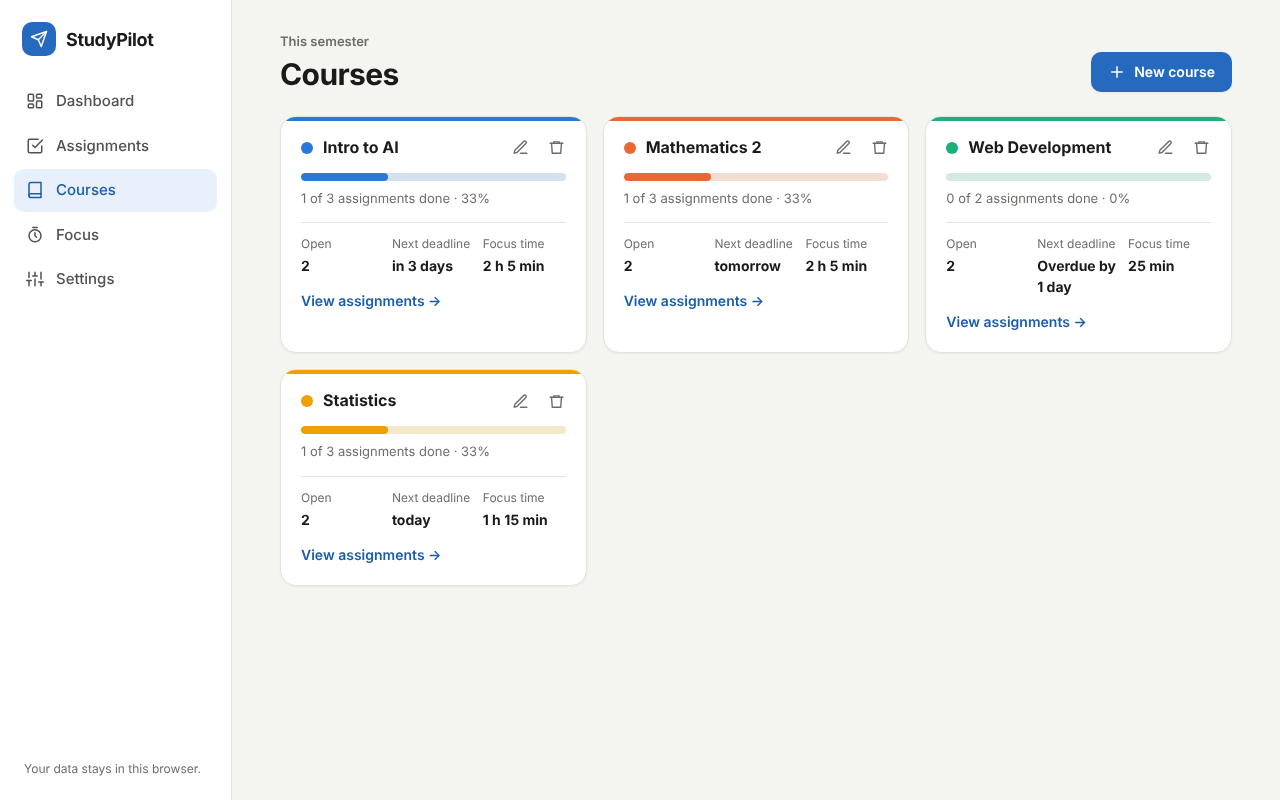
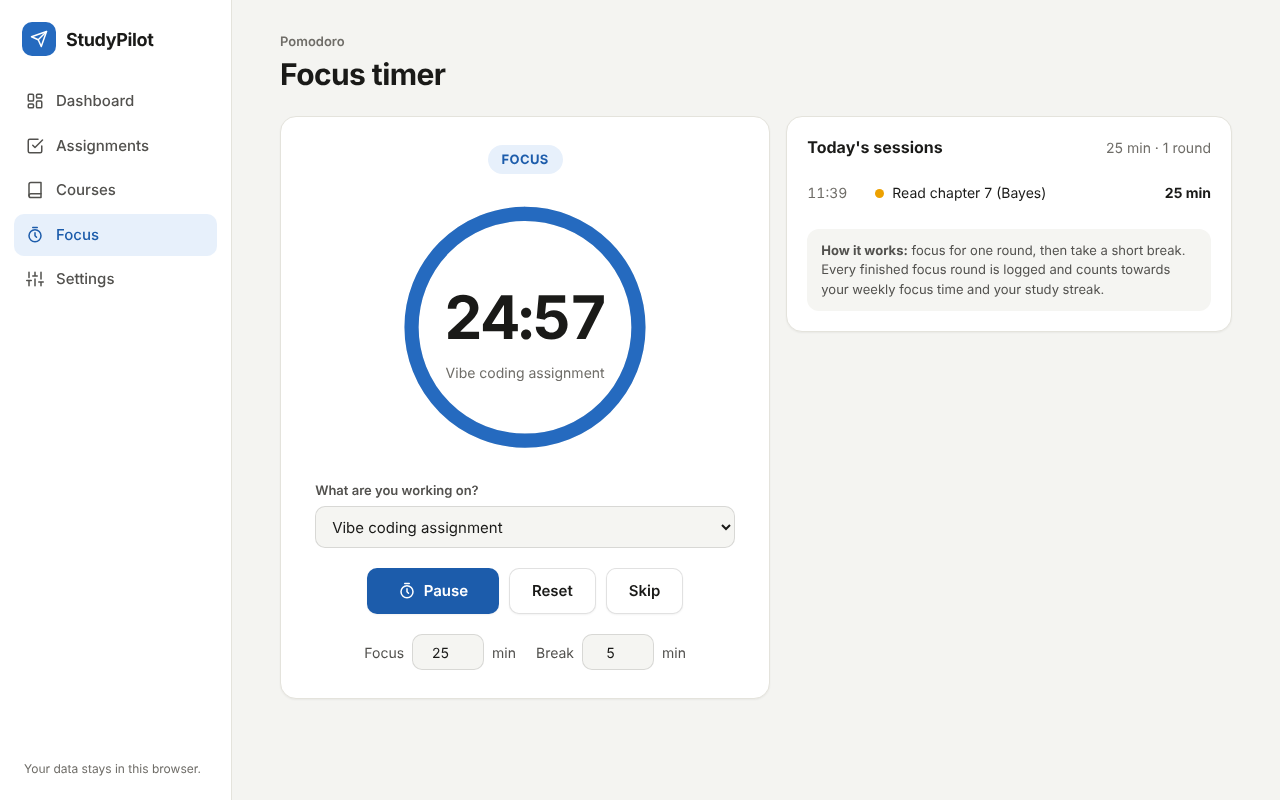
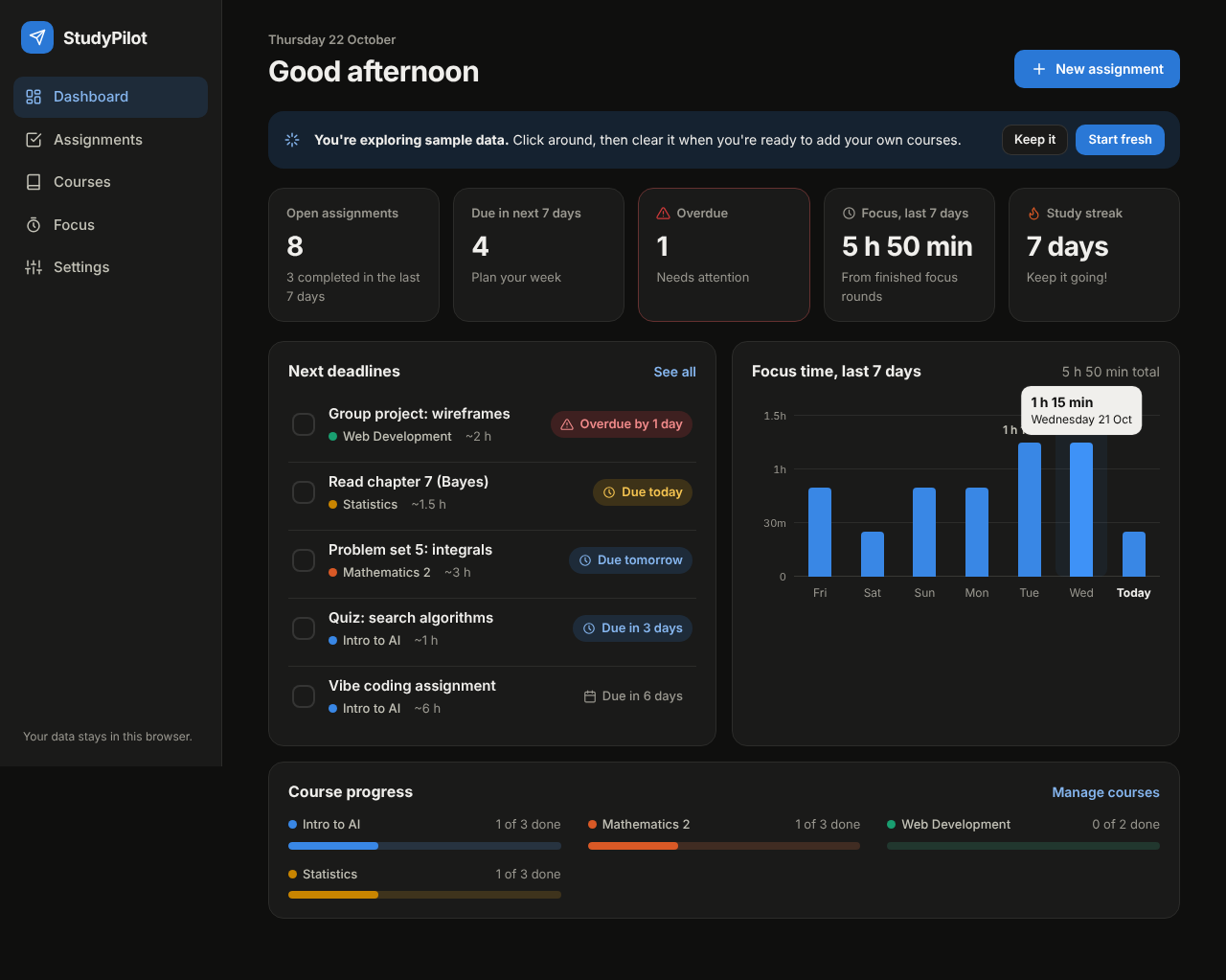
Try itLive at telily.github.io.
Open ↗Build your own version
Yours goes up next to @telily48’s as a vibe off, and @telily48 is told. Credit for the idea stays with them.
How it was madeTools, time, what’s left to make it real, links.
What’s left to make it real
Everything is saved in the browser's localStorage, so nothing syncs between my phone and laptop; a real version needs accounts and a small backend. Deadlines are typed in by hand, and importing them from Canvas (its calendar feed or API) is the obvious next step. The timer only chimes while the tab is open, so it needs proper notifications and deadline reminders. So far it has only been tested in Chromium.
- Made with
- Claude (Cowork), HTML, CSS, JavaScript, Playwright, GitHub Pages
- Took
- one afternoon
- Try it
- Open the demoRead the code
Building on it rather than answering it? Post a remix and it links back here.
Share it
More builds
Post a buildI built a floral weekly planner that doubles as a desktop wallpaper
@ajofClaude1 commentMyCaddie — a simple golf club picker that adjusts for wind
@fredrikht3011ChatGpt 5.51 commentI built a study app that quizzes me on my own notes
@tobias_gpClaude1 commentI pivoted my restaurant review web app to Android after an hour, and it ran on my phone 30 minutes later
@stewiikltGoogle Antigravity1 commentWe built Circles, a social app where every hobby gets its own look
@bmoobjectClaude1 commentI built FlowSync, a local-first productivity app where my AI assistant proposes changes instead of making them
@covertClaude Code1 comment
Comments
Nothing yet. Ask @telily48 how they got it to work, or say what you liked.
Sign in to comment — you come straight back here.