I built a study planner that rewards finished homework with a perfume collection
I wanted a planner that would actually keep me on top of deadlines, so I asked Lovable for a gamified one in Norwegian. Each finished task gives 100 XP, and every level-up lets you pick one perfume for your shelf out of 3 random ones or a Mystery Box. StudyQuest is what came out.
The screens
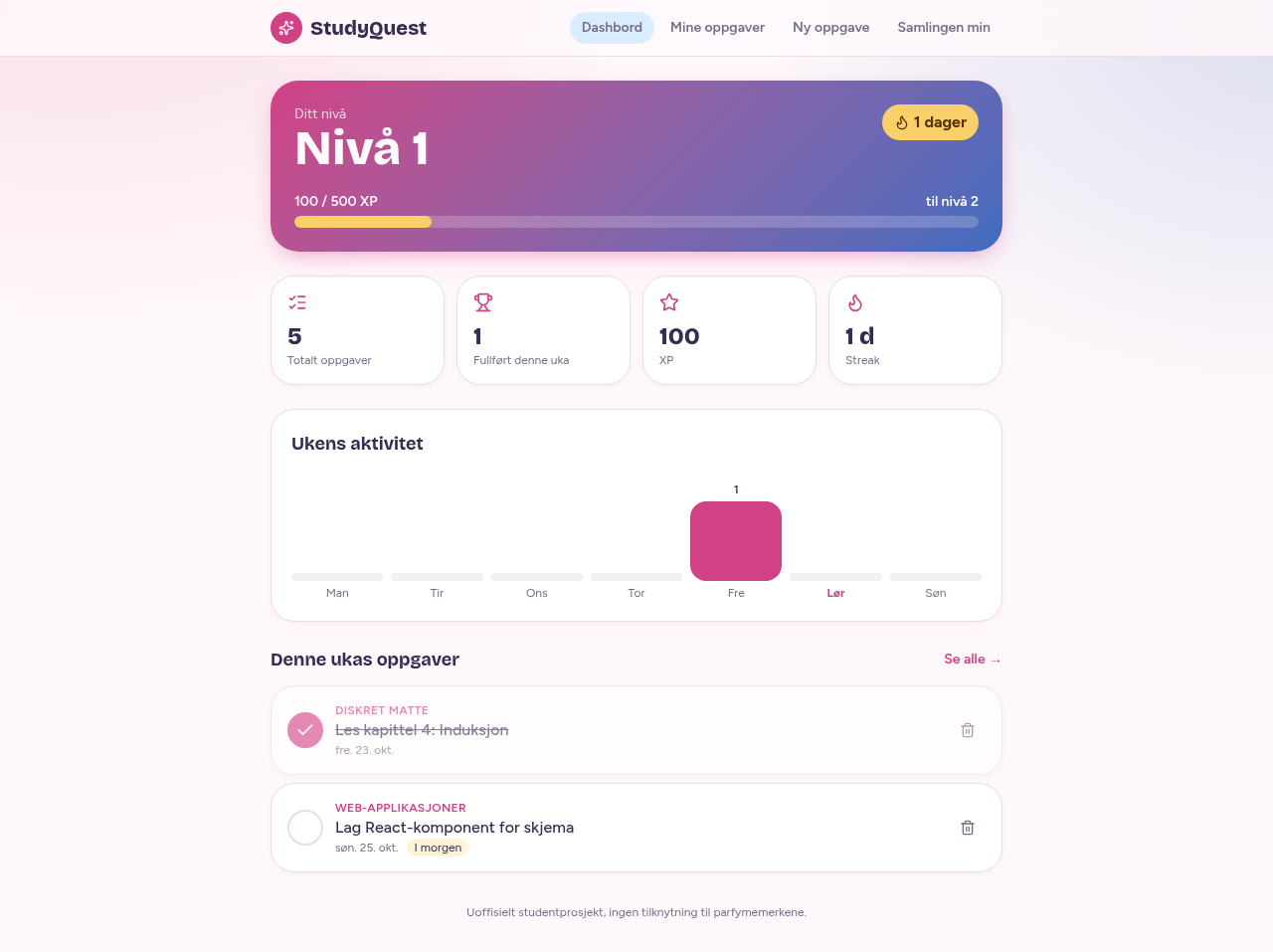
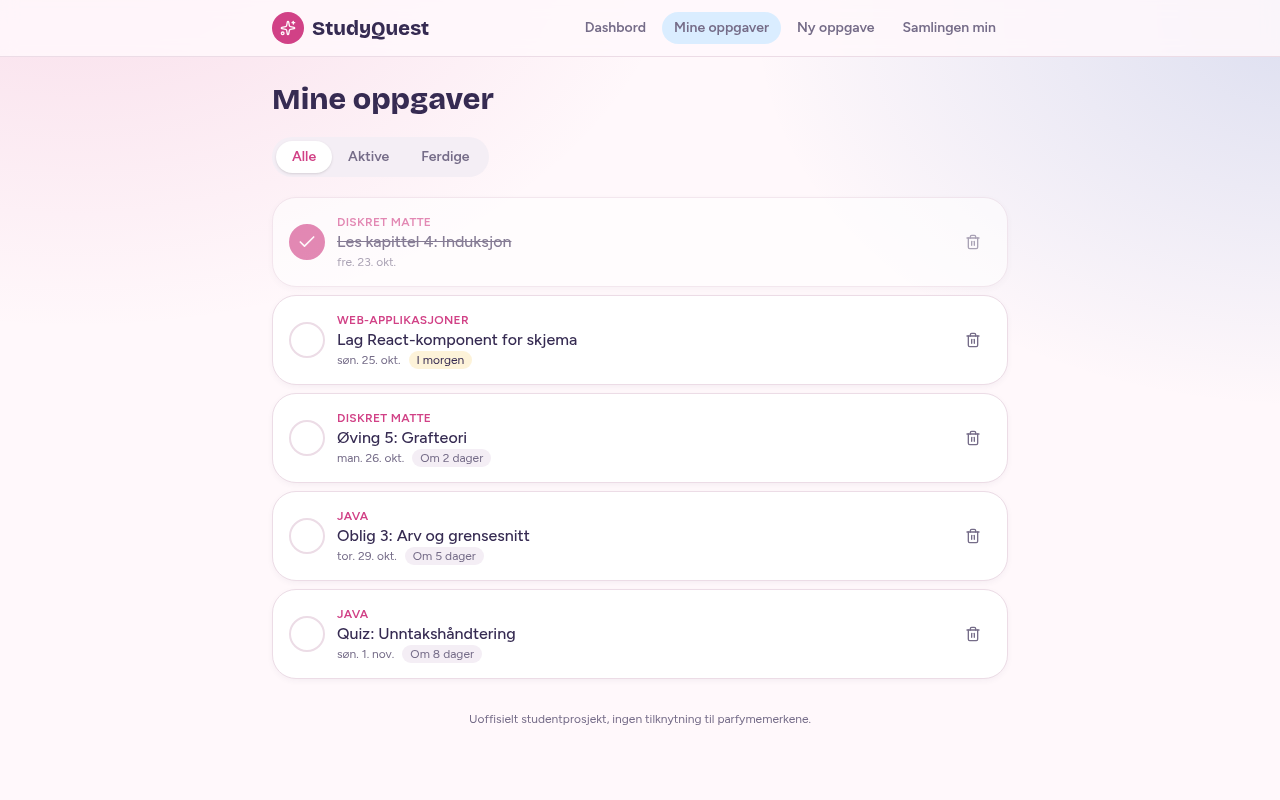
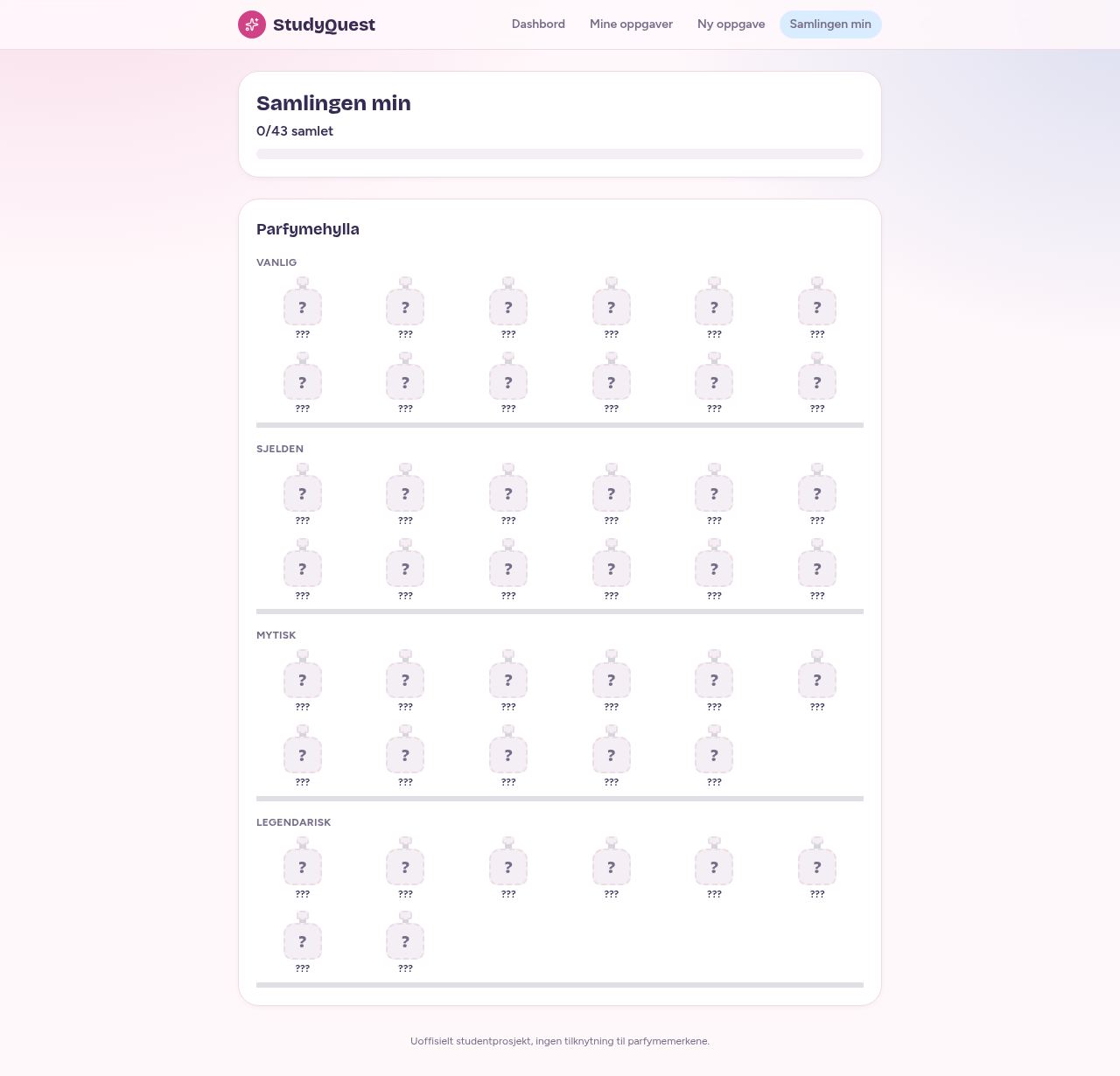
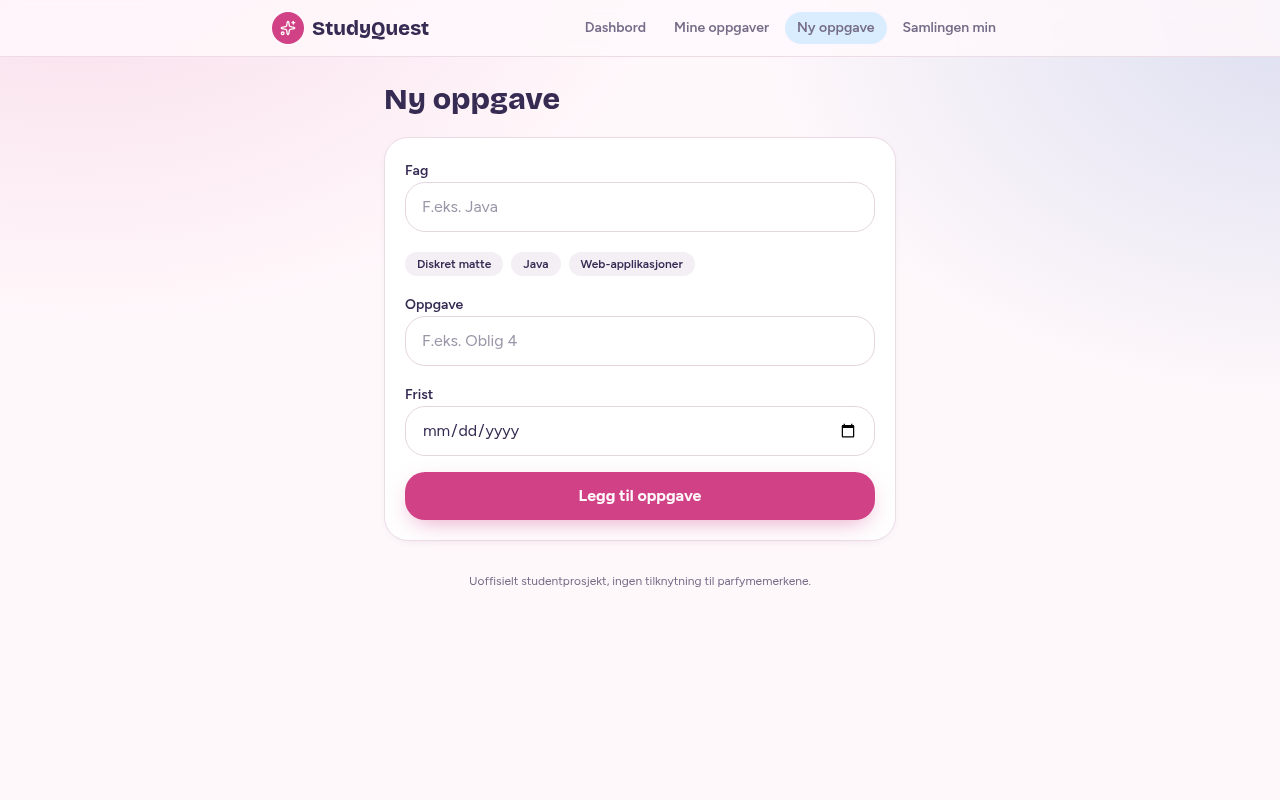
Build your own version
Yours goes up next to @anniemoon’s as a vibe off, and @anniemoon is told. Credit for the idea stays with them.
How it was madeThe prompt, tools, what’s left to make it real.
What’s left to make it real
Everything is saved in the browser, so there is no login and no sync between devices. The reward bottles are one shared CSS bottle per rarity, not one per perfume. Next steps: accounts with cloud storage, and deadline reminders.
- Made with
- Lovable, React, TanStack Start, Tailwind CSS
- How
- Built in Lovable with React and TanStack Start, in a few chat prompts: first the planner and XP, then a pink and blue look, then the reward shelf, then cutting it down to perfumes only.
- The prompt
- Build a small web app called StudyQuest - a gamified study planner for students. UI language: Norwegian Bokmål. When a task is marked done, give 100 XP. Show Level (Level = XP / 500 + 1), progress bar to next level, and streak counter. React + localStorage, synthetic demo data.In Lovable, React, TanStack Start, Tailwind CSS
Building on it rather than answering it? Post a remix and it links back here.
Share it
More builds
Post a buildI built a floral weekly planner that doubles as a desktop wallpaper
@ajofClaude1 commentMyCaddie — a simple golf club picker that adjusts for wind
@fredrikht3011ChatGpt 5.51 commentI built a study app that quizzes me on my own notes
@tobias_gpClaude1 commentI pivoted my restaurant review web app to Android after an hour, and it ran on my phone 30 minutes later
@stewiikltGoogle Antigravity1 commentWe built Circles, a social app where every hobby gets its own look
@bmoobjectClaude1 commentI built FlowSync, a local-first productivity app where my AI assistant proposes changes instead of making them
@covertClaude Code1 comment
Comments
Nothing yet. Ask @anniemoon how they got it to work, or say what you liked.
Sign in to comment — you come straight back here.