Tomato
In a vibe off: Help me stay focused while studying
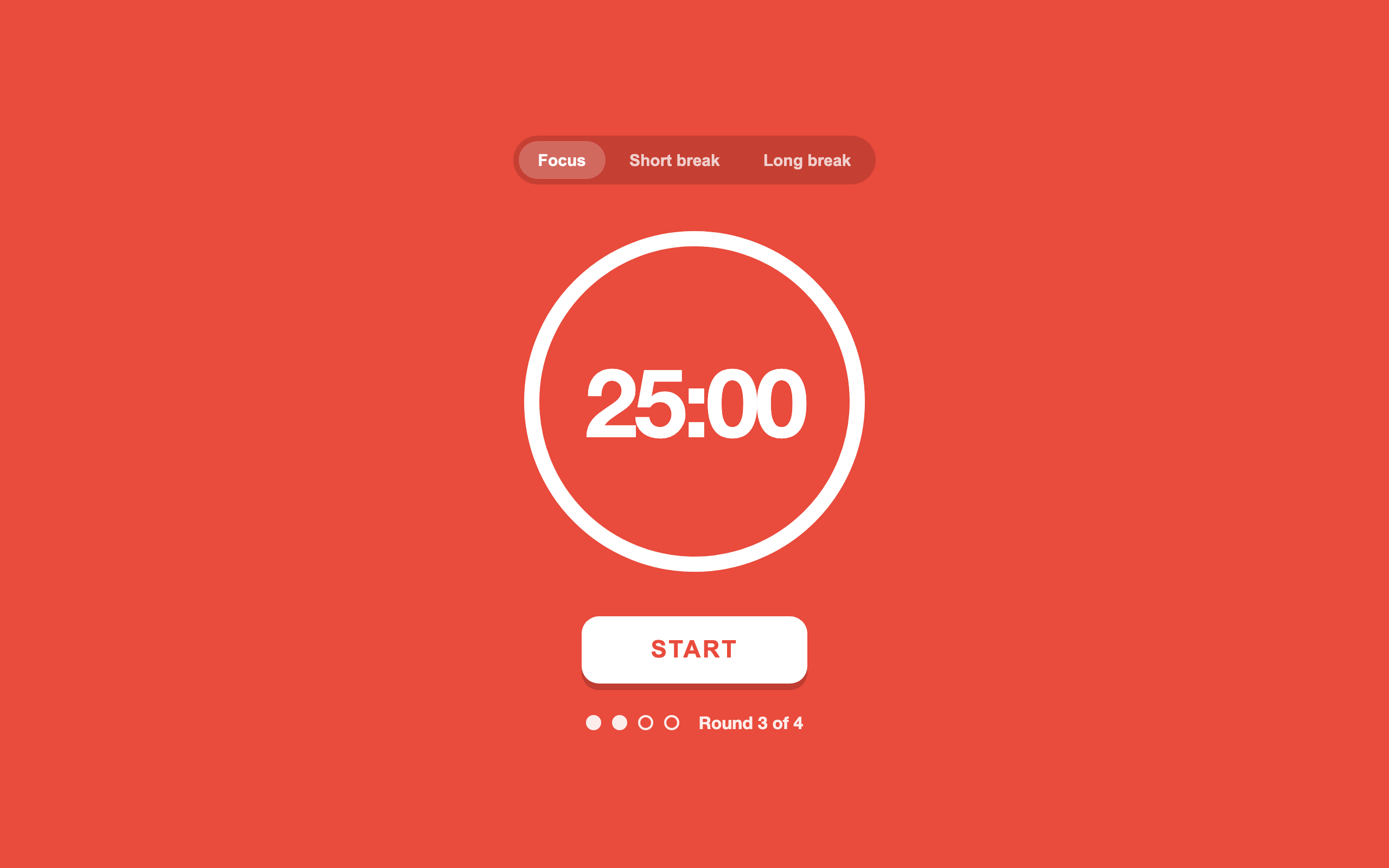
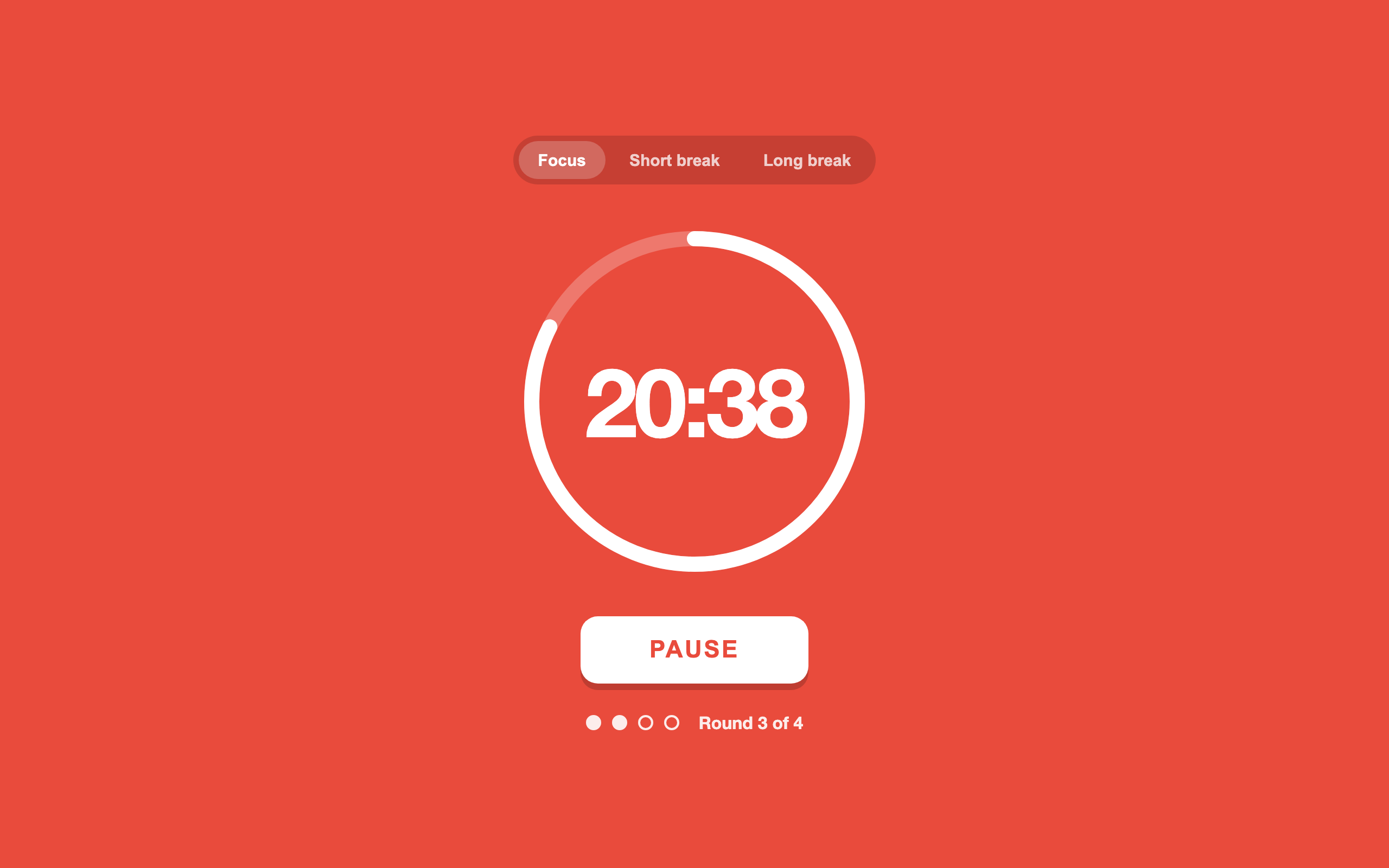
A Pomodoro timer you can't miss: one big red dial, one button, four rounds.
What made it work
One button. Start and pause are in the same place, so you never hunt for it mid-session.
The screens
Build your own version
Yours goes up next to @sofiecodes’s as a vibe off, and @sofiecodes is told. Credit for the idea stays with them.
How it was madeThe prompt, tools, time, what’s left to make it real.
What’s left to make it real
A sound at the end, notifications, and breaks that start by themselves.
- Made with
- Claude Code, HTML
- Took
- 1 hour
- How
- Asked Claude Code for a full-screen timer and then trimmed. The demo runs sixty times faster so you can see it move; the real one counts normal minutes.
- The prompt
- Pomodoro timer, full-screen tomato red, a big circular progress ring with the minutes inside, focus / short break / long break tabs, and round dots below.In Claude Code, HTMLTook 1 hour
- Hard parts
- The ring. Drawing progress with an SVG stroke offset was the clean way, after two messier attempts.
One other version of this
- Deep
Write what you're working on, start a 50-minute session, and watch your focused hours stack up over the week. — @dokafor
Building on it rather than answering it? Post a remix and it links back here.
Share it
More builds
Post a buildDeep
@dokaforCursorvs @sofiecodesI built a floral weekly planner that doubles as a desktop wallpaper
@ajofClaude1 commentMyCaddie — a simple golf club picker that adjusts for wind
@fredrikht3011ChatGpt 5.51 commentI built a study app that quizzes me on my own notes
@tobias_gpClaude1 commentI pivoted my restaurant review web app to Android after an hour, and it ran on my phone 30 minutes later
@stewiikltGoogle Antigravity1 commentWe built Circles, a social app where every hobby gets its own look
@bmoobjectClaude1 comment
Comments
Nothing yet. Ask @sofiecodes how they got it to work, or say what you liked.
Sign in to comment — you come straight back here.