I built StudyFlow, an exam planner that reschedules itself when you tick off a study session
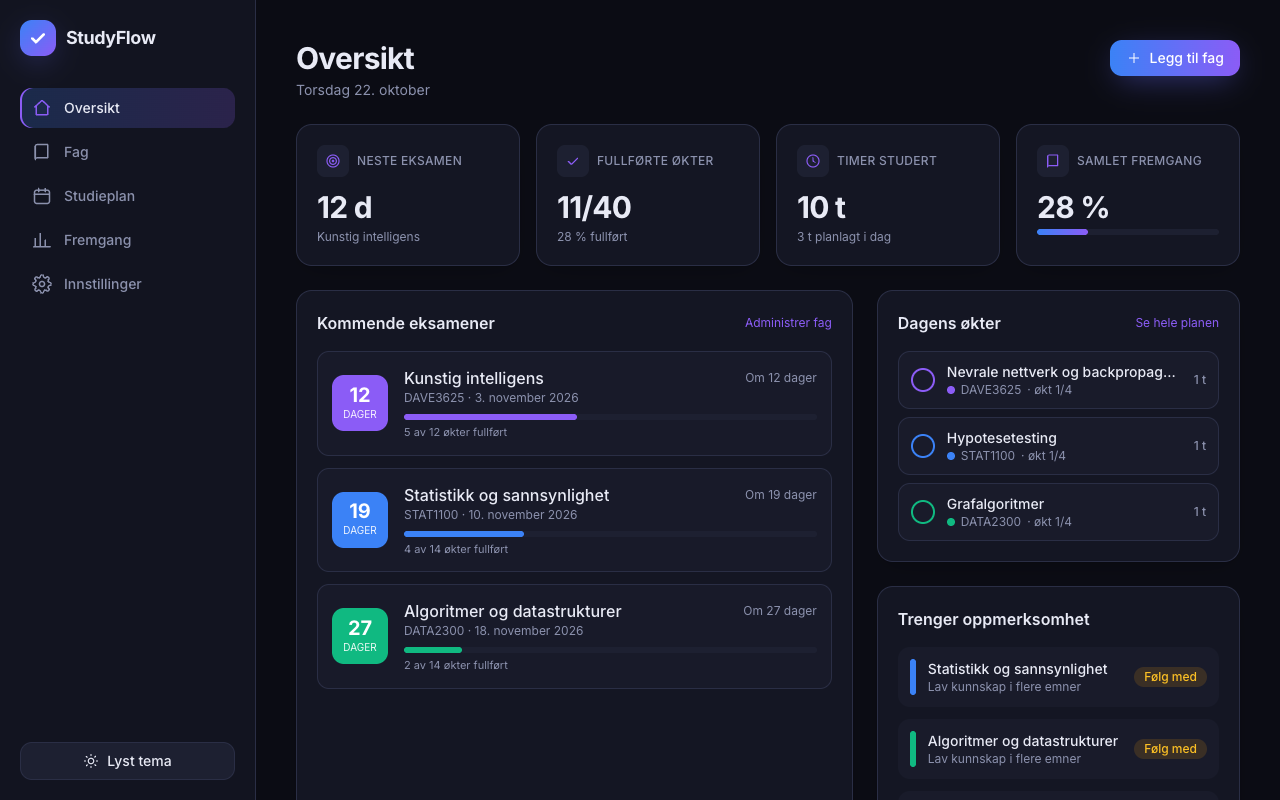
I wanted a study planner for university exams that actually adapts instead of being a static to-do list. I gave Claude Code one long spec (dashboard, courses, rule-based planner, progress tracking, dark mode, Norwegian UI) and it produced a working React app, then tested its own flows in a real browser and fixed a mobile overflow bug.
What made it work
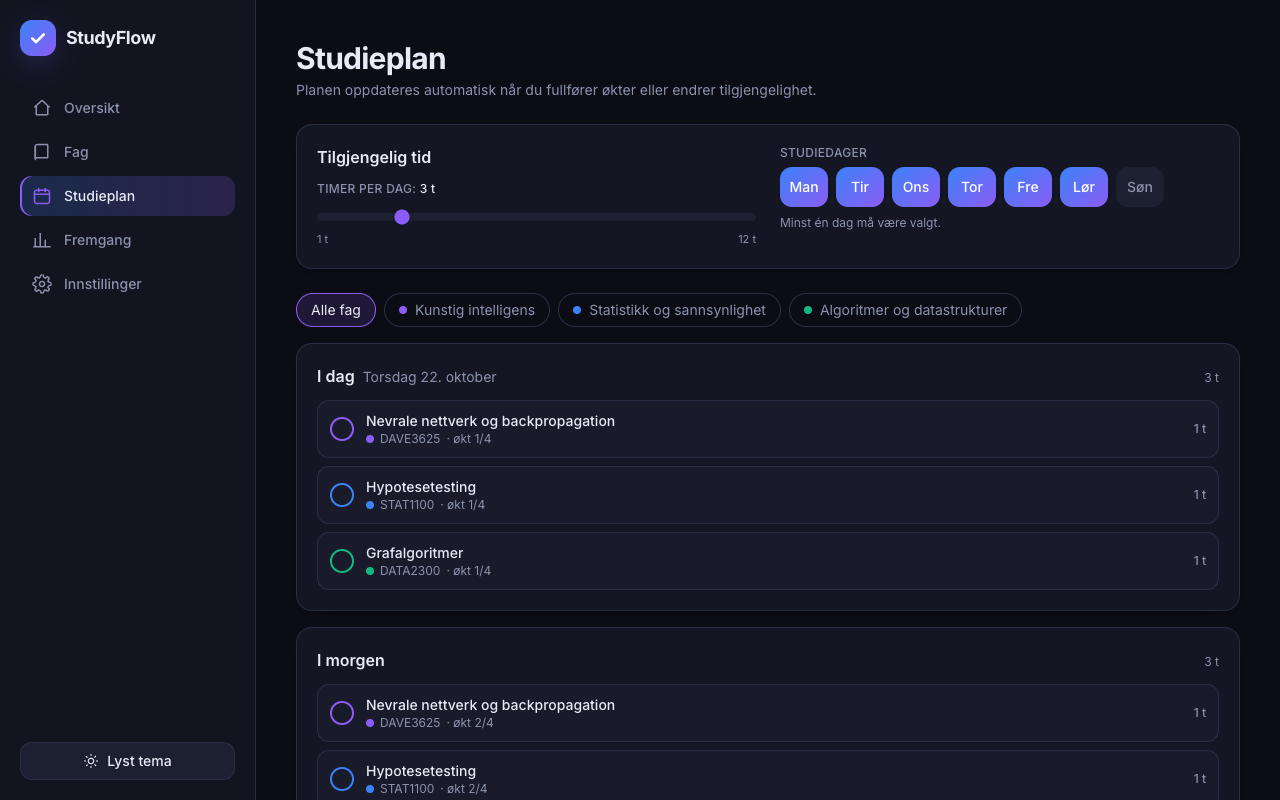
- The plan is a pure function of the app state, so ticking a session or changing hours per day regenerates it instantly
- Stable session IDs (topic:index) let completed sessions survive replanning
- Unit tests on the planner caught edge cases: empty data, past exams, overflow
- A real-browser click-through found a mobile layout overflow that type-checking and tests missed
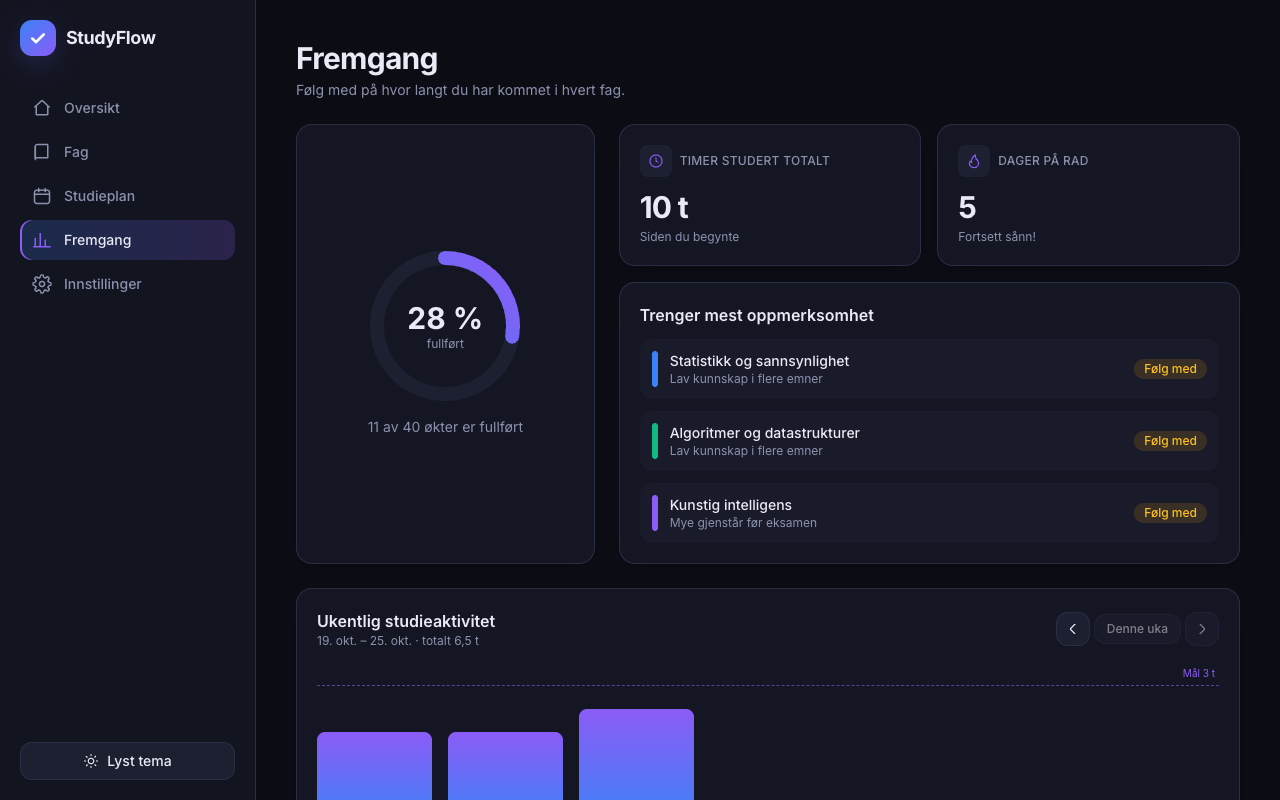
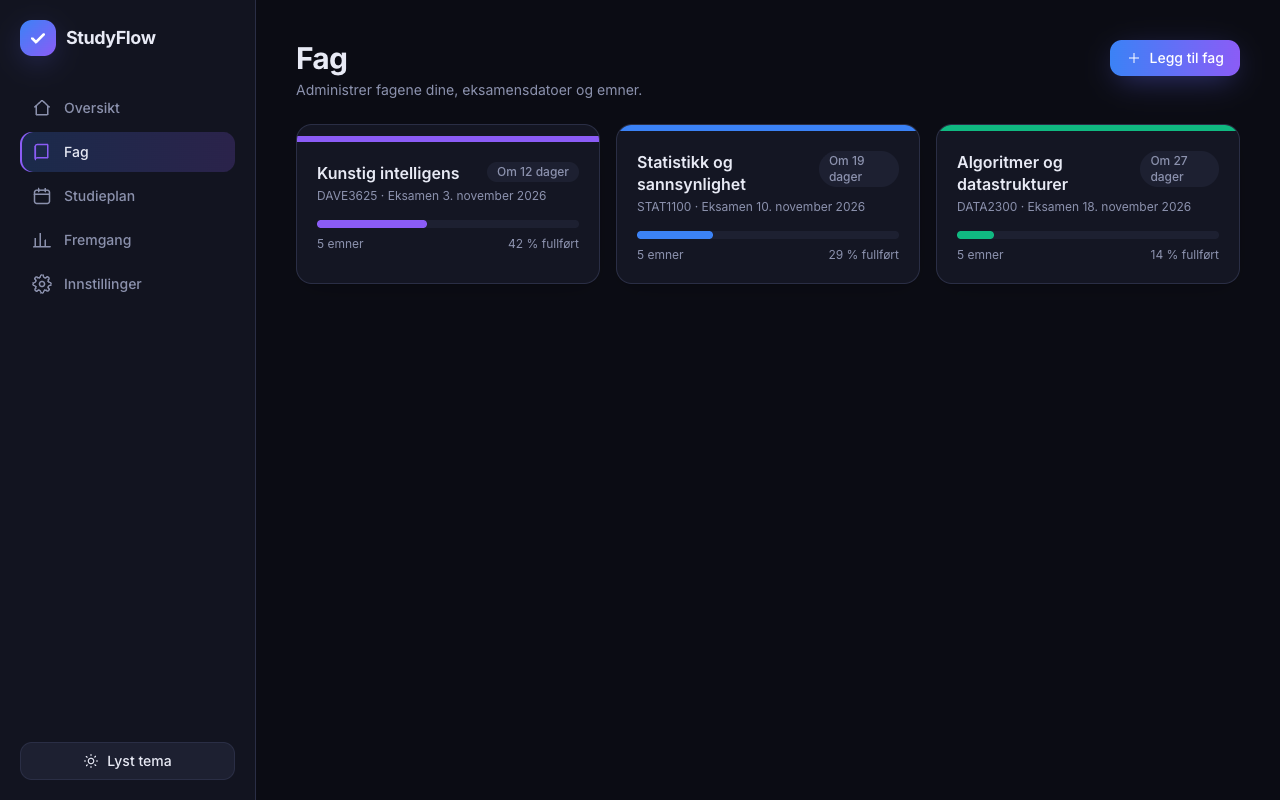
The screens
Build your own version
Yours goes up next to @kristofferaarstem’s as a vibe off, and @kristofferaarstem is told. Credit for the idea stays with them.
How it was madeThe prompt, tools, what’s left to make it real.
What’s left to make it real
Next: the planner is a greedy rule-based scorer with hand-picked weights (difficulty x1.2, urgency 20/days-to-exam, -2.5 per same-course session per day). It needs tuning against real students and probably a smarter spaced-repetition step. Data lives only in localStorage, so there is no sync between devices, and import is missing (export exists). Sessions are fixed at 1 hour with hours-per-knowledge-level hardcoded; users should be able to set their own estimates. No end-to-end tests are checked into the repo, only unit tests. Browser coverage was Chrome only.
- Made with
- Claude Code, React, TypeScript, Tailwind CSS, Vite, Vitest, Playwright
- How
- Claude Code (Sonnet 5.5) in VS Code with a single detailed prompt. React 18, TypeScript, Tailwind and Vite, no backend, data in localStorage. It wrote the planner as a pure function with Vitest tests, then drove the built app with Playwright and Chrome to click through the main flows.
- The prompt
- Build StudyFlow - Smart Exam Study Planner: a modern, responsive React + TypeScript + Tailwind app for university students, all UI in Norwegian (Bokmål). Features: exam dashboard with countdowns and course colours; a rule-based study planner that schedules topics (rated 1-5) around exam dates and hours per day and updates when sessions are completed; progress tracking with per-course bars, hours studied and a weekly chart. Dark mode default with light option, Notion/Linear-style design, localStorage, sample data for three courses with reset, input validation, empty states, no placeholder buttons. Test the main flows and fix issues.In Claude Code, React, TypeScript, Tailwind CSS, Vite, Vitest, PlaywrightModel Claude Sonnet 5.5
Building on it rather than answering it? Post a remix and it links back here.
Share it
More builds
Post a buildI built StudyFlow, an exam planner that reschedules itself when you tick off a study session
@kristofferaarstemClaude CodeI built a floral weekly planner that doubles as a desktop wallpaper
@ajofClaude1 commentMyCaddie — a simple golf club picker that adjusts for wind
@fredrikht3011ChatGpt 5.51 commentI built a study app that quizzes me on my own notes
@tobias_gpClaude1 commentI pivoted my restaurant review web app to Android after an hour, and it ran on my phone 30 minutes later
@stewiikltGoogle Antigravity1 commentWe built Circles, a social app where every hobby gets its own look
@bmoobjectClaude1 comment
Comments
Nothing yet. Ask @kristofferaarstem how they got it to work, or say what you liked.
Sign in to comment — you come straight back here.